Creative asset management fails quietly. A team can produce strong campaign images and videos yet lose time because nobody knows which file is approved, which product reference is current, or whether a shared deck contains the latest design. The solution is not simply a larger folder tree. It is a way to connect source media, brand context, editable work, review status, and delivery files. Dika Studio brings a shared media library together with projects that can contain pages, infinite scenes, slide decks, videos, and boards. This guide explains how to organize assets across campaigns so people can find the right material, reuse it safely, and avoid publishing an attractive but outdated version.
Define what counts as a campaign asset
Start with four categories. Source assets are the original product photographs, logos, raw footage, audio, and approved references. Working assets are editable designs, frames, slide decks, and video timelines. Review assets are previews or exports sent to stakeholders for feedback. Delivery assets are the exact files published, supplied to partners, or archived as final. A single creative idea may exist in all four forms. Calling everything “the asset” obscures important differences: a PNG export cannot replace a layered source design, and a rough reference should not be mistaken for approved campaign copy.
Use naming that expresses role, not merely sequence. “Autumn launch / hero product / source photo” is more useful than “final_v7_new.png.” Do not rely on file names alone, though. A thumbnail can tell you what a file looks like but not whether it is licensed, approved, current, or associated with the correct product variant. The asset record should answer who owns it, where it came from, what it may be used for, and which campaign or brand it supports. The Dika Design team treats those answers as production context rather than optional administration.
Build a shared intake process
Creative work often begins with scattered inputs: a photo sent by sales, a product specification in a spreadsheet, a logo in an old deck, and a competitor screenshot in chat. Put new media through one intake route. On arrival, capture the original filename, source, rights or usage constraints, product or campaign association, and the person who supplied it. Check whether a current version already exists. If the same image is uploaded multiple times with slightly different names, the team may later edit the wrong copy or misread which one was approved.
Dika Studio’s media library is shared across projects. Images, videos, and audio have separate tabs and folder trees, and files uploaded there can be selected from the editor. The library supports upload, folders, search, favorites, recent items, and duplicate-oriented browsing. This is useful, but it does not automatically provide a governance policy. Define a small intake convention: one place for incoming media, a named owner, a review of duplicates, and a rule for when a source file may be renamed or moved. Avoid deleting material merely because a newer version exists; first confirm whether older work still depends on it. The media library guide describes current browsing and folder behavior.
Record rights before reuse
Keep evidence of who supplied a photo or clip and whether it may be reused in future campaigns, territories, or paid placements. A licensed source, a customer-submitted image, and an internally generated render may have very different permissions. Store rights context near the asset or in a linked approval record. If rights are uncertain, mark the asset as restricted instead of hoping that its presence in a shared library implies permission. The same applies to likeness, trademark, music, and customer data. A production system can make reuse easy; the team must still decide which reuse is appropriate.
Choose a folder structure people will maintain
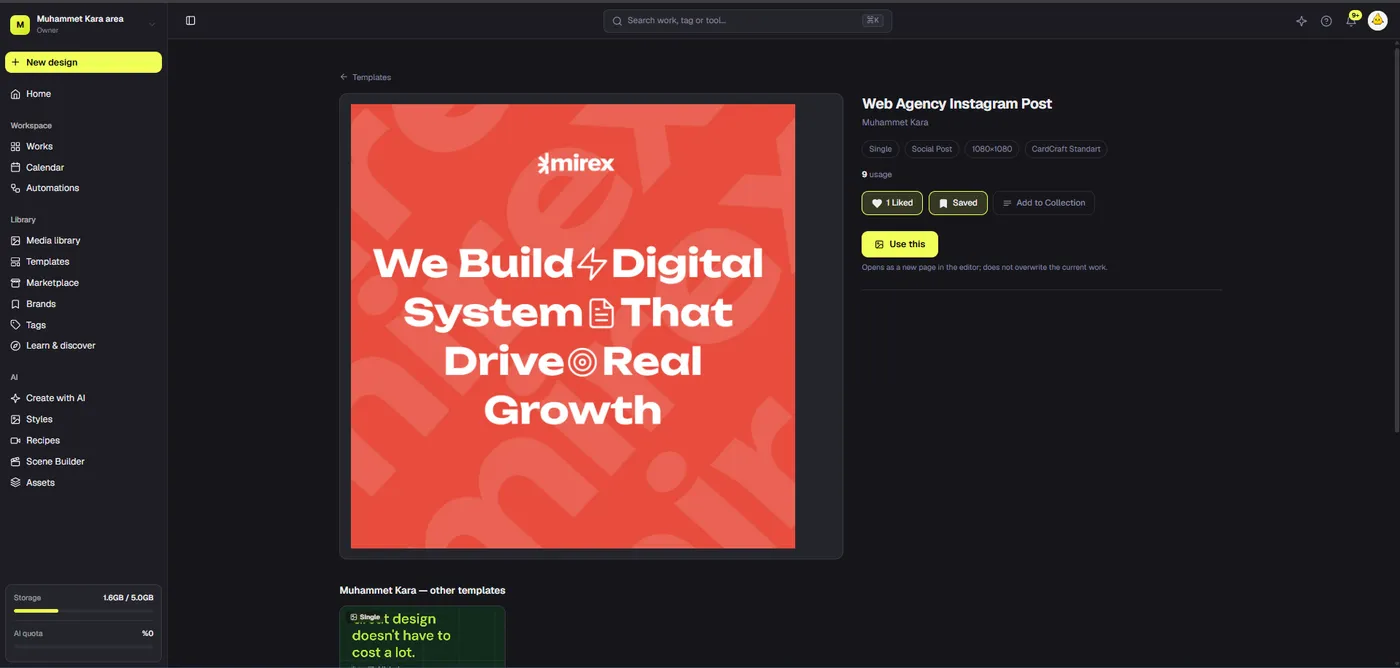
A useful folder system is shallow enough to navigate. One approach is brand, then asset type, then a small set of stable categories such as product source, approved brand elements, campaign working media, and archival material. Another is campaign, then source, work, review, and delivery. Choose based on how the team searches most often. If people repeatedly need the same logo or product photo across campaigns, keep it in a reusable brand or product area rather than copying it into every campaign folder. If assets are unique to one launch, a campaign grouping may be clearer.
In Dika Studio, media folders are per type: an image folder will not contain video or audio entries in the same tab. Reflect that in your naming. A “Launch 2026” image folder and a matching video folder can share a convention without pretending they are one physical folder. Use tags for cross-cutting meaning, such as campaign, product line, approved state, or market. Tags can describe an individual media item or a specific part of a project, not only a whole project. That lets you find all approved frames for a campaign even when the working files sit in different projects. The Dika Studio overview explains the shared project and workspace model.
Connect media to product and brand context
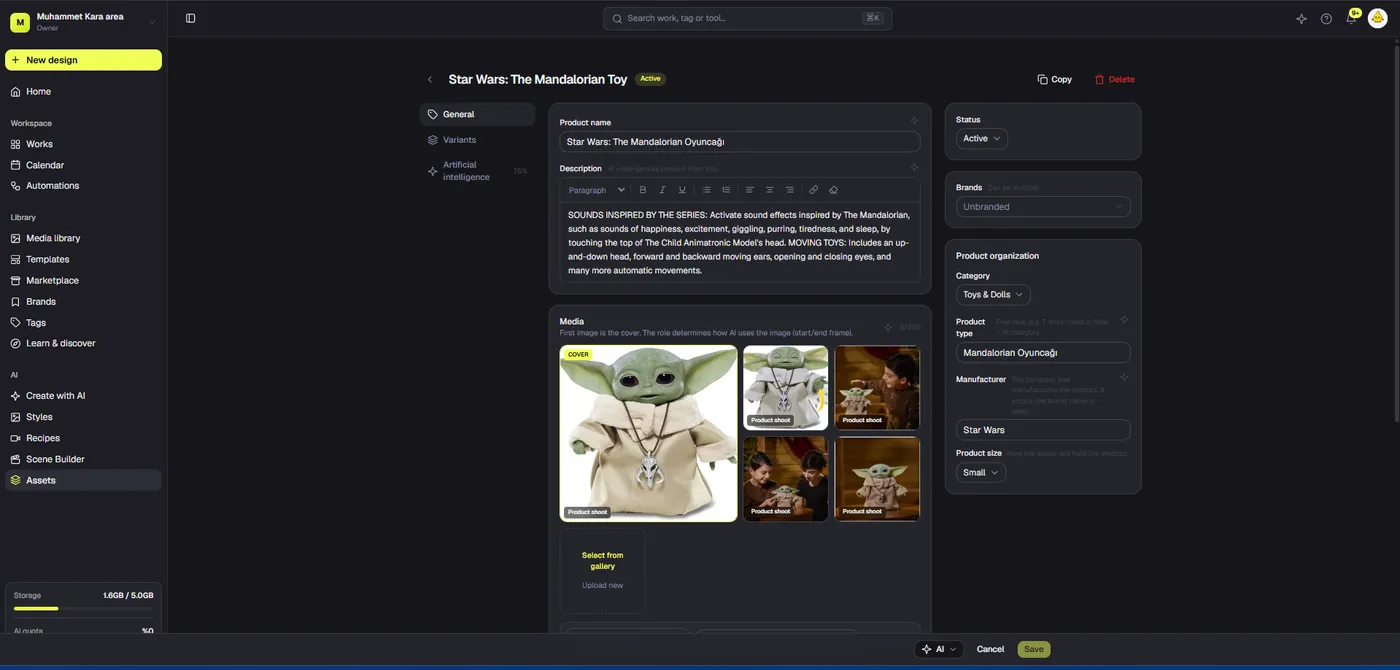
A raw file becomes more valuable when the team knows what it represents. Link product images to the correct SKU, variant, color, and current specification. Link brand assets to the appropriate brand kit or workspace. An image of a bottle with an old label should not be selected for a new campaign because it looked similar in a thumbnail. A product record helps distinguish a reference from a deliverable. The content team can then check whether the selected image matches approved packaging before AI-assisted composition or manual design begins.
Brand association is also more than adding a logo to an export. It includes palette, typography, naming, disclaimer rules, and who can approve departures from them. Dika Studio lets work and media be associated with brand context; a brand assignment is not the same as making a copy of every asset. Define what the association means in team practice. For example, a “Retail brand A” tag could mean the file is permitted for that brand, while an “Approved hero” tag identifies a narrower decision. Do not assume that a brand label by itself means all claims, products, and usage rights have been cleared. Our brand kit guide</a covers the design-system side of this setup.
Keep editable projects distinct from export files
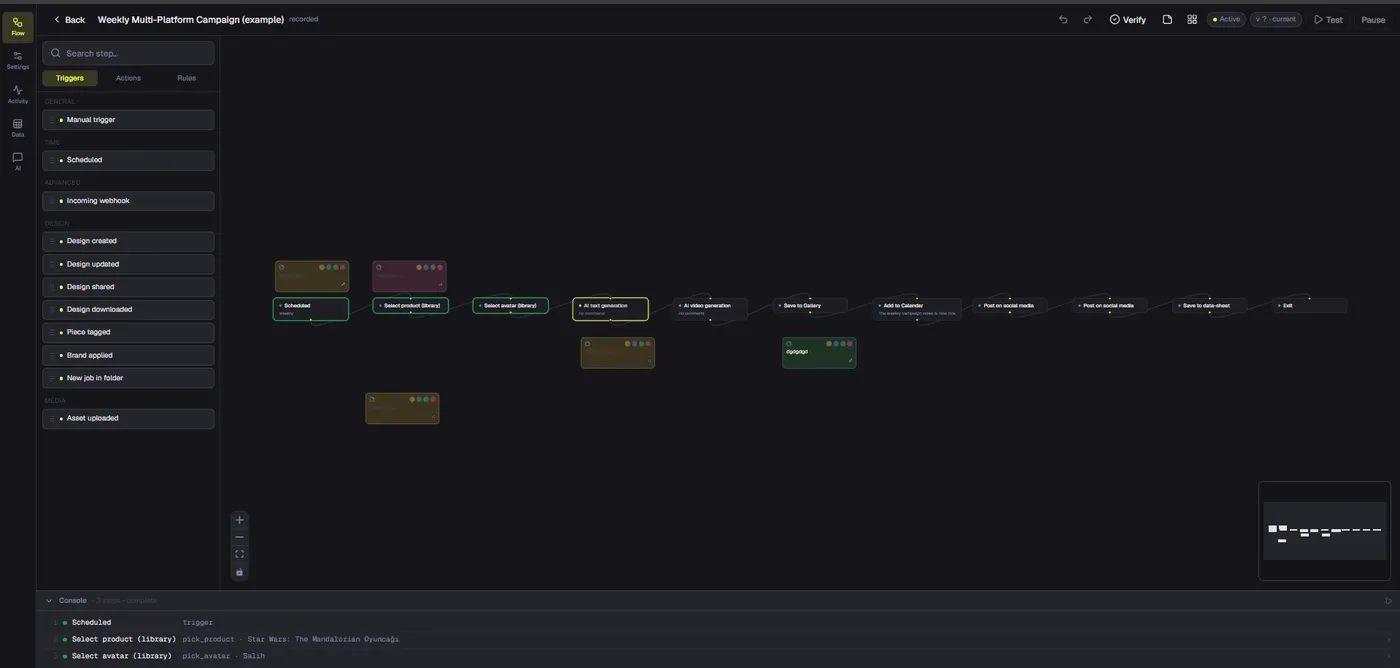
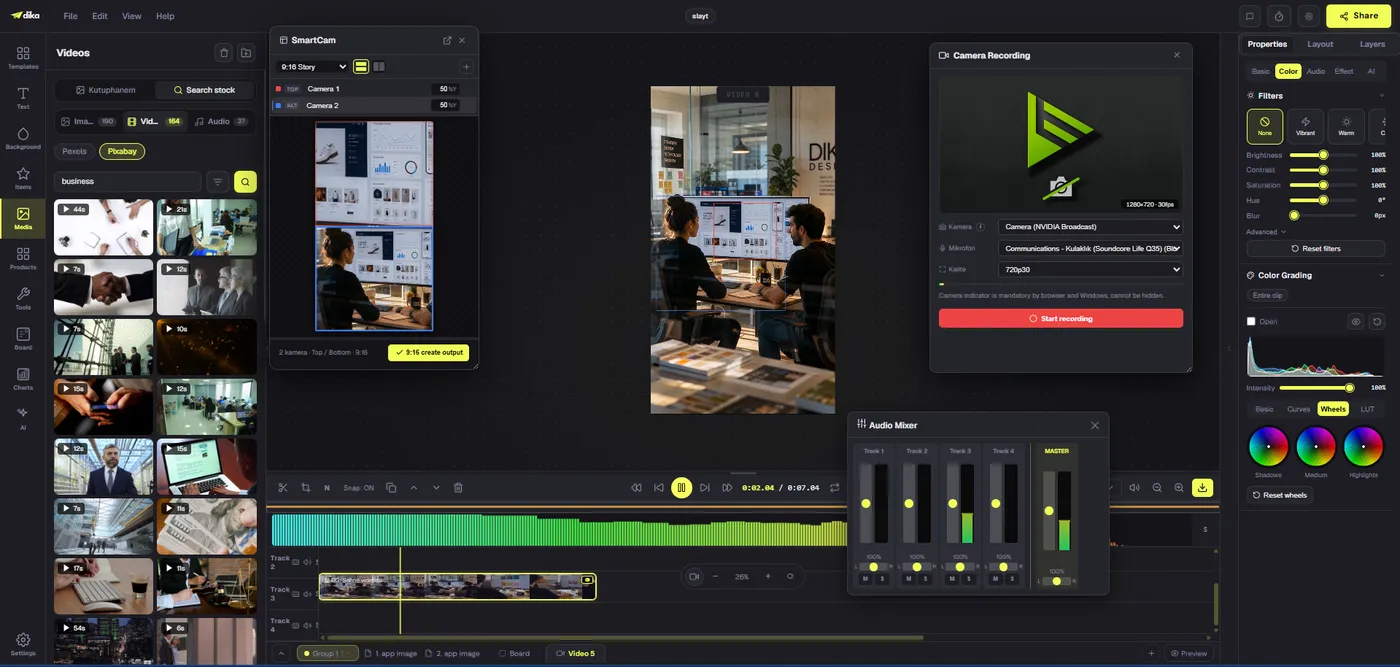
A common asset-management mistake is saving only the final JPEG or MP4 and treating it as the master. The exported file is evidence of what shipped; the editable project contains the decisions and layers needed for future change. Dika Studio projects can contain several kinds of part in one container: a social design page, an infinite scene for variants, a slide deck for internal approval, a video part for motion, and a board for planning. Organize related parts in groups so a new contributor can see which surfaces belong to the same campaign.
When exporting, give the file a stable name that includes campaign, channel, format, and version. Keep the exported copy alongside the delivery record, not as a replacement for the working part. If a stakeholder asks for “the latest version,” answer with a specific project part and approval state, then supply the matching export. If the design changed after the last export, create and check a new file. Conversely, if the export was modified outside the project, note that divergence; otherwise the editable source will no longer reproduce what shipped. A reliable system can explain the relationship between source, work, and delivery in one minute.
Use tags to answer actual retrieval questions
Tags work when they correspond to decisions the team makes often. Examples include “approved,” “needs product check,” “paid social,” “spring launch,” or a product family name. They fail when every designer invents a slightly different synonym. Agree on a small vocabulary and document what each tag means. “Final” is especially dangerous because it tends to describe a feeling rather than a verifiable state. Prefer “approved for channel X on date Y” in a review record, and let a concise tag support search. The label should help people find an item, not serve as the only proof that it may be published.
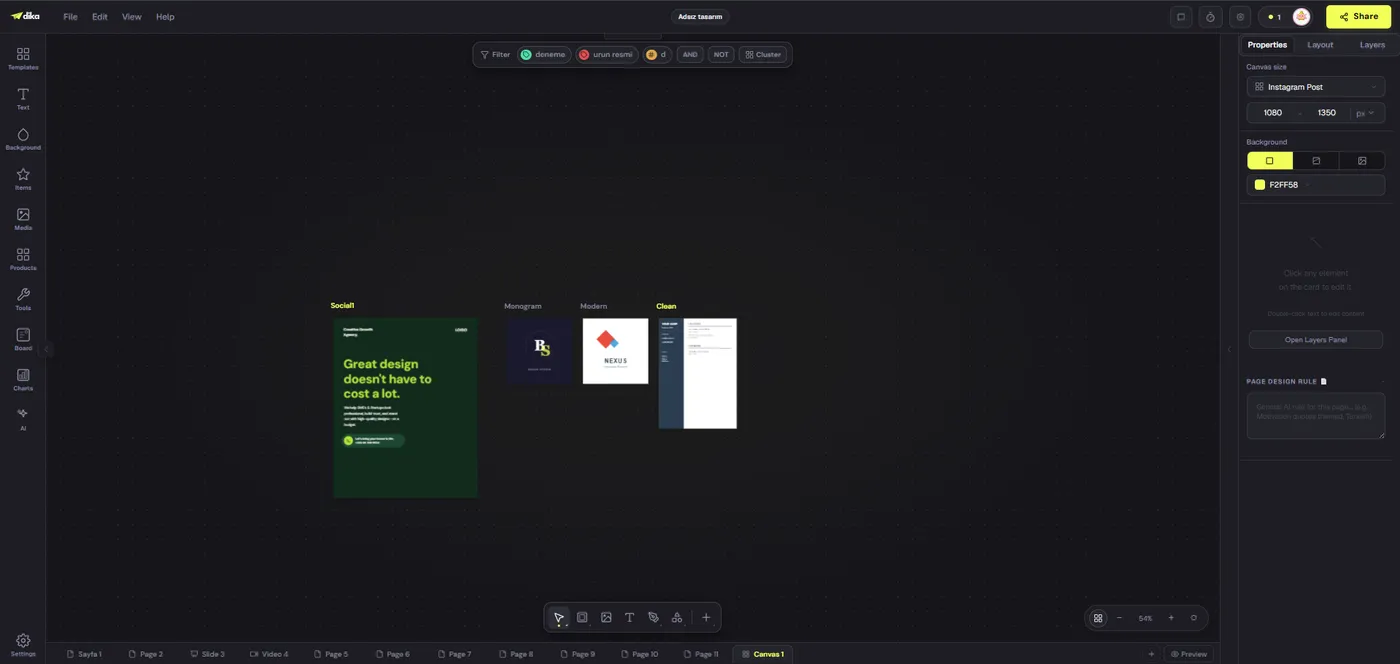
Dika Studio tags are part-aware, which means a frame or media asset can have a tag without applying that label to the whole project. This is useful when a mixed project holds several concepts with different approval states. Search and filtering should answer questions such as “Show approved portrait frames for the launch” or “Find product images tied to brand B.” Test those questions during setup. If the structure cannot answer them, adjust the vocabulary before the library grows. The tags reference describes how workspace filters and part-level tags behave. The Dika Design homepage provides broader context for teams combining creative operations with campaign delivery.
Control versions without multiplying confusion
Versioning is not the same as making copies until the folder is full. Decide which changes require a new review version: a different headline, product image, claim, offer, crop, or channel-safe area usually does. A minor alignment adjustment may be recorded in the editable source without creating a new campaign concept. The team should be able to identify the approved version, the changes since that approval, and the file actually delivered. This is crucial when campaigns run in several markets and one market has a different legal line.
Use a short version note rather than an opaque number alone. “v3: replaced product packshot and corrected price note” tells a reviewer what to inspect. Keep source media stable when possible and change the design part that references it. Before replacing an underlying shared asset, consider whether other designs using it will change. This care is part of Dika Design’s wider creative operations. A shared library makes reuse convenient but also increases the blast radius of careless edits. Review the downstream uses before overwriting a file in place. Our version-history guide</a is scheduled after this article; until it is live, treat this section as the immediate checklist for version control.
Compare storage approaches
No single storage layout is perfect for every team. Local folders are easy to start but hard to search consistently across people. A general drive can centralize files yet still leave design masters, reviews, and exports disconnected. A dedicated media library improves retrieval, while a mixed creative project adds context for production. The question is not which system has the most folders. It is whether a teammate can trace a published asset back to its source, edit history, approval, and permission to reuse it.
| Approach | Useful for | Common weakness | Control to add |
|---|---|---|---|
| Personal local folders | Small individual work | Other people cannot reliably find the master | Shared intake and backup |
| Shared drive folders | Cross-team file handoff | Status and product context live elsewhere | Metadata and review record |
| Shared media library | Reusable images, video, and audio | Presence may be mistaken for approval | Rights and status conventions |
| Mixed creative project | Editable campaign production | Exports can drift from the master | Versioned delivery checklist |
Dika Studio combines a reusable media library with mixed creative projects, but governance still comes from the team’s practices. If every upload uses a different naming convention and nobody records approval, a better interface will only make the disorder faster. Start with one campaign, test retrieval and handoff, then scale the pattern. The Dika Design team</a can use these principles across design, video, and marketing work without forcing every asset into a single rigid folder hierarchy.
Create a review and delivery trail
For each campaign, maintain a compact delivery table: asset name, source or project part, current version, approving person, approval date, output format, destination, and publication date. This can live beside the project or in a linked operations record. The table is not bureaucracy for its own sake. It answers the questions that arrive after a campaign goes live: Which logo was used? Was the product image current? Who approved the copy? Which MP4 was sent to a partner? Without a trail, the team may need to reconstruct those answers from chat messages and file timestamps.
Review assets at the same size and context in which they will be used. A desktop preview cannot reveal every mobile crop issue; an editor view does not prove the exported file rendered correctly. Check image dimensions, text legibility, product accuracy, alt-text requirements, audio rights, captions, and destination-specific policies. If an export fails review, fix the editable master and generate a new output rather than patching only the delivered copy. This keeps the source reproducible. Track exceptions explicitly. A one-off emergency correction may be necessary, but it should not become a permanent hidden divergence.
Audit and clean the library on a schedule
Asset organization is a continuing practice. Once a month or after a major launch, inspect duplicate uploads, orphaned drafts, unclear names, expired rights, and campaign folders that no longer have an owner. Archive materials that must be retained but should not be reused casually. Do not delete old source media without checking whether published or editable work still references it. Mark assets with uncertain status so new contributors do not assume they are safe. A small recurring audit prevents a media library from turning into a second unstructured shared drive.
Measure the workflow with operational questions: How long does it take to find the approved master? How many exports were recreated because the source was missing? How often did a reviewer see the wrong version? Did a team accidentally reuse an asset outside its rights? These measures are more informative than counting files. A good creative asset management system makes the path from brief to shipped asset visible and defensible. Explore Dika Studio for the product workflow, and use the Dika Design homepage when the requirement extends from asset organization into campaign execution.
Frequently asked questions
What is creative asset management?
It is the process of organizing source media, editable work, reviews, approvals, and delivered files so teams can find and reuse the right version safely.
Does Dika Studio have one shared media library?
Yes. Uploaded images, video, and audio are available across projects and in the editor through the shared media library.
Should I store editable designs and exports together?
Keep them connected but distinct. The editable project is the source; exports document what was delivered to a channel or partner.
Can folders contain all media types together?
The current media library uses separate tabs and folder trees for images, video, and audio. Use consistent names across those trees when a campaign spans types.
What metadata should an asset record include?
Record source, owner, product or brand association, usage rights, status, version, and any campaign or channel restrictions.
Do tags apply only to whole projects?
No. Dika Studio tags can apply to specific media assets and creative parts, including frames and pages.
How do I avoid uploading duplicates?
Use a shared intake process, check recent and duplicate views, and compare source and rights before adding another copy.
Does an asset in the media library count as approved?
No. Availability for selection does not prove rights, product accuracy, or campaign approval. Track those decisions explicitly.
What should a delivery log contain?
List asset name, editable source, version, approving person, approval date, exported file, destination, and publication date.
How often should we audit the library?
Review after major campaigns or on a regular monthly cadence, focusing on duplicates, expired rights, unclear status, and missing masters.