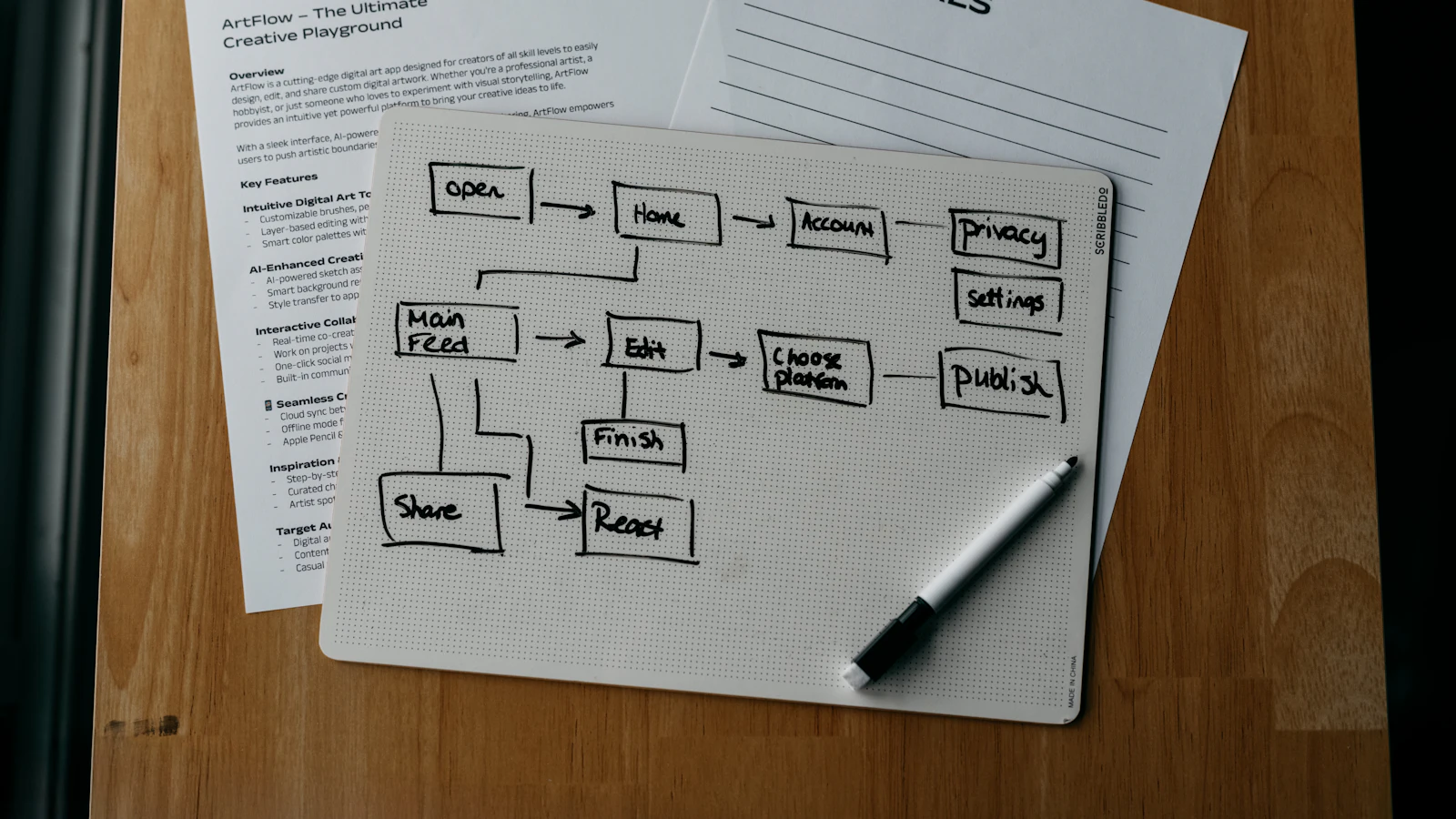
CRM (customer relationship management) manages who your customers and prospects are and where each deal stands, while ERP (enterprise resource planning) manages how you deliver, buy, produce, invoice and account for the work. CRM faces the customer; ERP runs the business behind the sale. A salesperson lives in the CRM, a warehouse operative and an accountant live in the ERP, and the handover between them is where most problems happen.
The confusion is understandable. Both hold customer records, both create quotes, and many vendors sell suites that include both. This article explains where each starts and stops, how they overlap, and how to decide whether you need one, the other or a combined system.
What CRM is for
A CRM is built around people and opportunities. Its job is to make sure every lead gets handled, every conversation is recorded and every deal has a next step. The core objects are contacts, companies, leads, deals, activities and tasks. The core views are the pipeline and the customer timeline.
Its users are sales, account management, marketing and customer support. The key measures are response time, conversion between stages, pipeline value and win rate. If you want the fundamentals, start with what CRM is.
What ERP is for
An ERP is built around transactions and resources. It records the order you accepted, the stock you reserved, the goods you bought to fulfil it, what you produced, what you shipped, the invoice you raised and the cash you collected, and it keeps the ledger in step. Its users include operations, purchasing, warehouse, finance and HR. The key measures are stock accuracy, delivery performance, margin and cash. The wider picture is in what ERP software is.
CRM vs ERP: the differences at a glance
| Question | CRM | ERP |
|---|---|---|
| Main focus | Relationships and sales opportunities | Operations, resources and finance |
| Typical users | Sales, marketing, support | Operations, purchasing, warehouse, finance, HR |
| Core records | Leads, contacts, deals, activities | Orders, stock, purchase orders, invoices, ledger |
| Time horizon | Before and around the sale | From order to cash and beyond |
| Typical outputs | Pipeline, forecast, conversion rates | Stock value, margin, VAT returns, payroll |
| Question it answers | Who should we talk to and what is next? | What do we have, owe, and what can we deliver? |
Where they overlap
The overlap is real, and it is a frequent source of integration problems.
- Customer records: both hold names, addresses and contacts. If they differ, invoices go to the wrong place or sales calls the wrong person.
- Quotes: CRMs often produce quotes; ERPs turn them into orders. If the quote lives only in the CRM, someone retypes it.
- Products and prices: sales needs the current catalogue and stock availability; the ERP owns it.
- Customer history: support wants to see orders and invoices; finance wants to see what sales promised.
The practical rule is to decide which system owns each type of data. Typically the CRM owns leads and relationships, the ERP owns products, prices, stock and financial documents, and the customer record is shared once an account becomes a paying customer.
Do you need CRM, ERP or both?
Use these situations as a guide.
- Services firm, long sales cycle, little stock: a CRM plus accounting software is often enough.
- Online retailer or distributor: stock, purchasing and fulfilment dominate, so ERP matters more; a light CRM covers trade accounts.
- Manufacturer or project business: both. Sales needs to know capacity and lead times, and operations needs reliable demand information.
- Team of three with ten clients: neither at first. A spreadsheet and an accounting tool will serve for a while.
The decision turns on where your losses occur. If leads and deals are falling through, fix the CRM side. If orders ship late, stock is wrong or invoices lag, fix the ERP side.
Separate systems, suite or combined platform?
There are three common patterns.
- Best-of-breed pair: a specialist CRM and a specialist ERP connected by integration. You get depth in each, but you must maintain the link and resolve mismatches.
- Vendor suite: a CRM and an ERP from the same vendor, usually with built-in sync. Easier to run, though one half may be weaker than you would choose independently.
- Single platform: CRM is a module of the ERP, so customers, products and orders are one record. Fewer seams, but you accept the platform's CRM depth.
Whichever you choose, test the handover with a real scenario: a won deal becoming an order, a stock shortage visible to the salesperson, an overdue invoice visible to the account manager.
Integration pitfalls to avoid
- Two sources of truth for customers. Pick a master and sync one way, or define clear rules for two-way.
- Manual export and import. It works for a month, then data drifts.
- Different product codes in each system, which breaks quote-to-order conversion.
- No owner for sync errors. Failures must alert a named person.
- Over-engineering. Start with the three or four fields that really need to flow and add more only when a need appears.
When you evaluate CRM options, our guide on how to choose a CRM covers integration questions.
How we handle it in Dika Ops
We built Dika Ops with CRM and ERP functions on one record, so a deal won in the pipeline becomes a sales order using the same customer and product data, and the order flows through stock, purchasing and invoicing. AI coworkers draft routine steps under strict permissions, and a person approves what matters. It is in closed beta with a waitlist; the CRM module page explains how it fits with sales and inventory. If you need to connect an existing CRM to systems of your own, our custom software and enterprise applications team builds integrations.
Frequently asked questions
Is CRM part of ERP?
Sometimes. Many ERP suites include a CRM module, and many CRMs have light order features. They are different in purpose, though: CRM manages relationships and pipeline, ERP manages fulfilment and finance.
Can an ERP replace a CRM?
Only if its sales and relationship features meet your needs. Check lead capture, pipeline views, email logging and follow-up tools before assuming it will. For complex selling, a dedicated CRM may still be stronger.
Which should I implement first, CRM or ERP?
Start where your biggest losses occur. Missed leads and forgotten follow-ups point to CRM. Wrong stock, late deliveries and slow invoicing point to ERP.
What is the difference between CRM and accounting software?
Accounting software records financial transactions. CRM records customer interactions and deals. They meet at the invoice, where a won deal becomes a billing event.
Do small businesses need both?
Not always. A small firm with few customers might use a spreadsheet and accounting software. Add a CRM when several people handle prospects, and add ERP functions when stock, purchasing or production grow complex.
How do CRM and ERP data stay in sync?
Through built-in integration, an API connector or a shared platform. Define which system owns which fields, how often they sync and who handles errors.
Summary
CRM wins the business and ERP delivers and accounts for it. Decide where your problems sit, define data ownership and test the handover on a real order. If you want advice on joining the two, we are available to talk it through at Dika Design.