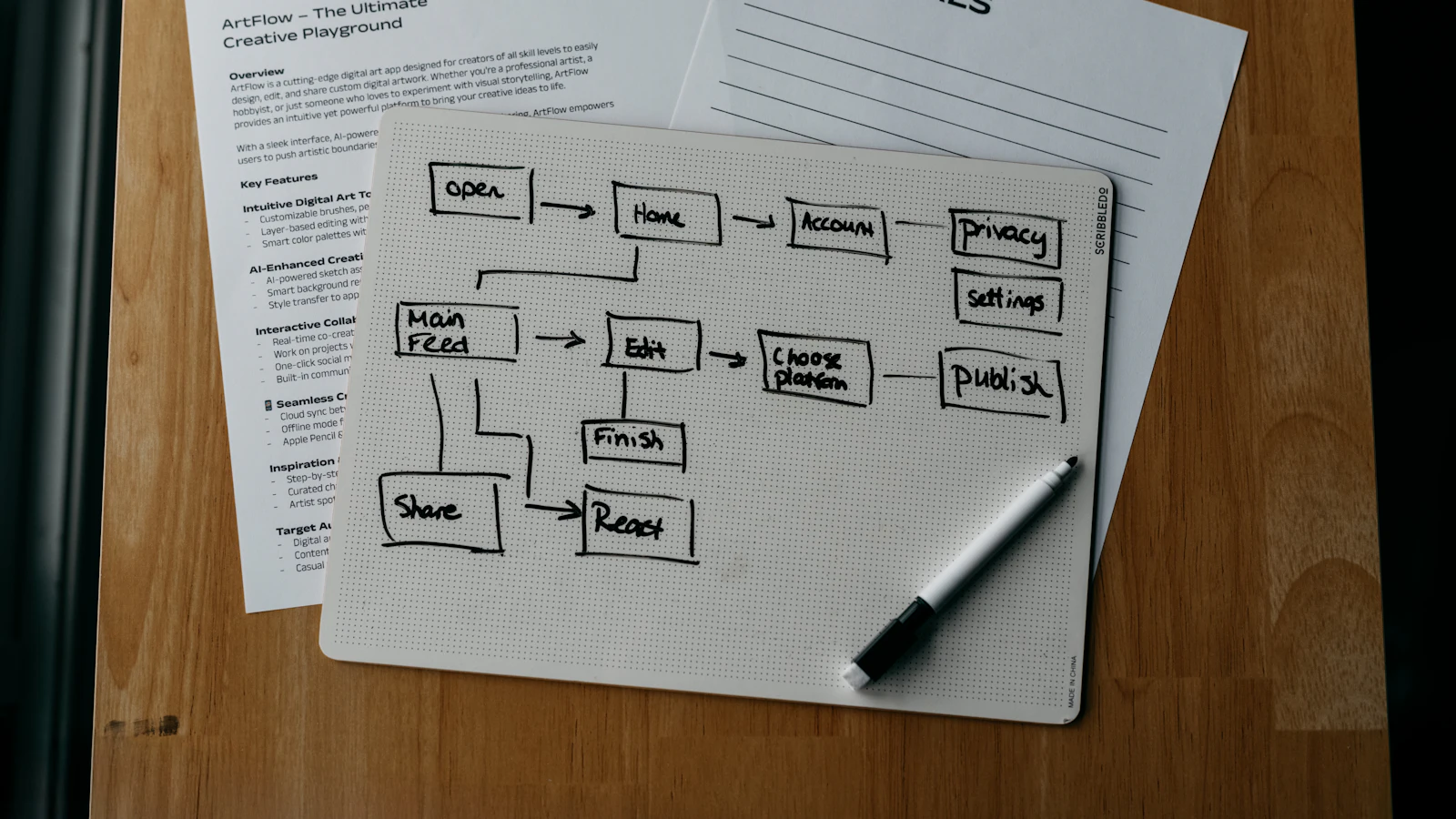
Workflow automation examples are easiest to understand as a trigger, some rules and an outcome: when something happens, check conditions, do the next steps and tell the right people. A new order arrives, stock is checked, a pick task is created and the customer is notified, with nobody retyping anything.
This article gives eight concrete workflows that small and mid-size teams commonly automate. For each one you will see the trigger, the steps, where a person must approve and what can go wrong. If you want the wider picture of choosing processes first, read our guide to business process automation; this piece is the practical companion.
How to read a workflow
Every workflow in this article uses the same anatomy, which is also how you should design your own.
- Trigger: the event that starts it, such as a form submission, a status change, a date or an incoming email.
- Conditions: rules that decide the path, for example order value above a limit.
- Actions: what the system does, such as creating a record, sending a message or updating a field.
- Approvals: steps where a person must confirm before the workflow continues.
- Exceptions: what happens when data is missing or a rule fails, and who is told.
Eight workflow automation examples
Example 1: Customer order handling
Trigger: an order is placed online or entered by sales. Steps: check stock for each line, reserve what is available, create a pick list for the warehouse, send an order confirmation and flag lines that cannot be fulfilled. Approval: orders from new customers above a set value wait for a credit check. Exceptions: out-of-stock items create a back-order task and notify the account owner.
The value is speed and fewer retyping errors. The risk is wrong stock data, so the workflow is only as reliable as the inventory behind it. The connection between shop and back office is covered in Shopify ERP integration.
Example 2: Supplier invoice approval
Trigger: a supplier invoice arrives by email or upload. Steps: capture the supplier, number, date and amounts; match it against the purchase order and goods received; route it to the budget holder if it matches within tolerance, or to purchasing if it does not. Approval: the budget holder approves; payments above a limit need a second approver. Exceptions: unmatched invoices go to a named person with a reason.
Keep preparation and approval separate. The person who enters an invoice should not be the one who approves its payment.
Example 3: New employee onboarding
Trigger: an offer is marked accepted. Steps: create the employee record, generate the task list for HR, IT and the manager, request equipment and accounts, send the welcome message, schedule the first-week meetings and set 30, 60 and 90-day reminders. Approval: the manager confirms the access level. The full process is described in our employee onboarding guide.
Example 4: Stock reorder
Trigger: stock for an item falls below its reorder point. Steps: calculate the suggested quantity from recent demand and open orders, find the preferred supplier and price, create a draft purchase order and notify the buyer. Approval: the buyer reviews and sends it; larger orders require a manager. Exceptions: items with no supplier, or with demand that is unusually volatile, create a task for manual review.
Example 5: Lead follow-up
Trigger: a form submission or enquiry. Steps: create the contact and deal, assign an owner by region or product, send an acknowledgement, set a task to call within a stated time and remind the owner if it is not done. Approval: not needed for the first response, but any discount outside policy needs a manager. Exceptions: duplicate contacts are merged or flagged.
Example 6: Leave requests
Trigger: an employee submits a leave request. Steps: check the balance, check team coverage for those dates, route to the line manager, update the calendar and notify the employee. Approval: the manager approves or declines with a reason. Exceptions: requests that break a coverage rule are flagged to the manager at the moment of decision. For rules and rota logic see leave and shift management.
Example 7: Overdue payment reminders
Trigger: an invoice passes its due date. Steps: send a polite reminder at a few days overdue, a firmer one at a longer interval and create a call task for the account owner for larger amounts. Approval: stopping supply or adding charges should require a person. Exceptions: customers with a dispute or a payment promise are excluded from reminders.
Example 8: Support ticket routing
Trigger: a customer email or form creates a ticket. Steps: classify the topic, set priority based on customer tier and keywords, assign to the right team and send an acknowledgement with an expected response time. Approval: refunds and exceptions need a supervisor. Exceptions: tickets with no clear category go to a triage person, never to an unmonitored queue.
Summary of the examples
| Workflow | Trigger | Main benefit | Human approval |
|---|---|---|---|
| Order handling | Order placed | Faster fulfilment, fewer retyping errors | Credit check for new or large accounts |
| Invoice approval | Invoice received | Shorter approval time, matched to orders | Budget holder and payment limit |
| Onboarding | Offer accepted | Nothing forgotten on day one | Manager confirms access |
| Stock reorder | Stock below reorder point | Fewer stock-outs | Buyer reviews purchase order |
| Lead follow-up | Enquiry received | Quicker response, clear owner | Discounts outside policy |
| Leave requests | Request submitted | Balances and coverage checked automatically | Line manager decision |
| Payment reminders | Invoice overdue | Less manual chasing | Any supply hold or charges |
| Support routing | Ticket created | Right team, faster first reply | Refunds and exceptions |
How to build and test a workflow
- Write the happy path in one sentence, then list the three most common exceptions.
- Define the data each step needs and where it comes from. Missing fields are the usual cause of failures.
- Build the smallest version and run it on old, real cases without sending anything out.
- Run it live in supervised mode, where it proposes and a person confirms.
- Review the log weekly for the first month: what ran, what failed and what was overridden.
- Remove manual confirmation only for low-risk cases, and name an owner for the workflow.
About Dika Studio and Dika Ops
Dika Studio, our AI production workspace, includes a visual automation engine alongside editable designs, videos and presentations in one project, so a content or campaign workflow can sit next to the assets it produces. We describe what is live at dika.studio; it is in early access.
For back-office flows that touch stock, invoices and the ledger, we built Dika Ops so that automation works on the same record as the business data. If your flow crosses systems that need a custom connection, our automation and integration service covers that.
Frequently asked questions
What are examples of workflow automation?
Common examples are order handling, invoice approval, employee onboarding, stock reorder alerts, lead follow-up, leave requests, overdue payment reminders and support ticket routing. Each has a trigger, rules and a human approval where risk exists.
What is the easiest workflow to automate first?
Choose a frequent, rule-based one with structured data, such as reminders for overdue invoices or routing new enquiries. These have clear triggers and low risk if something goes wrong.
Do I need coding skills to automate workflows?
Not always. Many tools let you build flows visually. Complex logic, unusual systems or sensitive data may need a developer, and testing needs someone who understands the process.
How do I stop an automated workflow making costly mistakes?
Add approval steps for money and customer-facing exceptions, set limits, log every action and begin in supervised mode. Send failures to a named owner rather than letting them disappear.
What is the difference between a trigger and an action?
A trigger is the event that starts the workflow, such as a new order. An action is something the workflow does as a result, such as creating a task or sending an email.
How do I measure whether a workflow is working?
Compare time per case, error counts and delays before and after, using a baseline you record in advance. Also review how often people override the automation, because frequent overrides show a rule that needs fixing.
Can AI be part of a workflow?
Yes, for tasks like reading incoming emails or drafting replies. Keep a person responsible for approving anything that affects money, contracts or customers.
Next step
Choose one of the eight examples that matches your biggest manual pain, write its trigger, rules and approvals on a page and test it on last month's cases. If you want help turning it into a working flow, talk to our team.