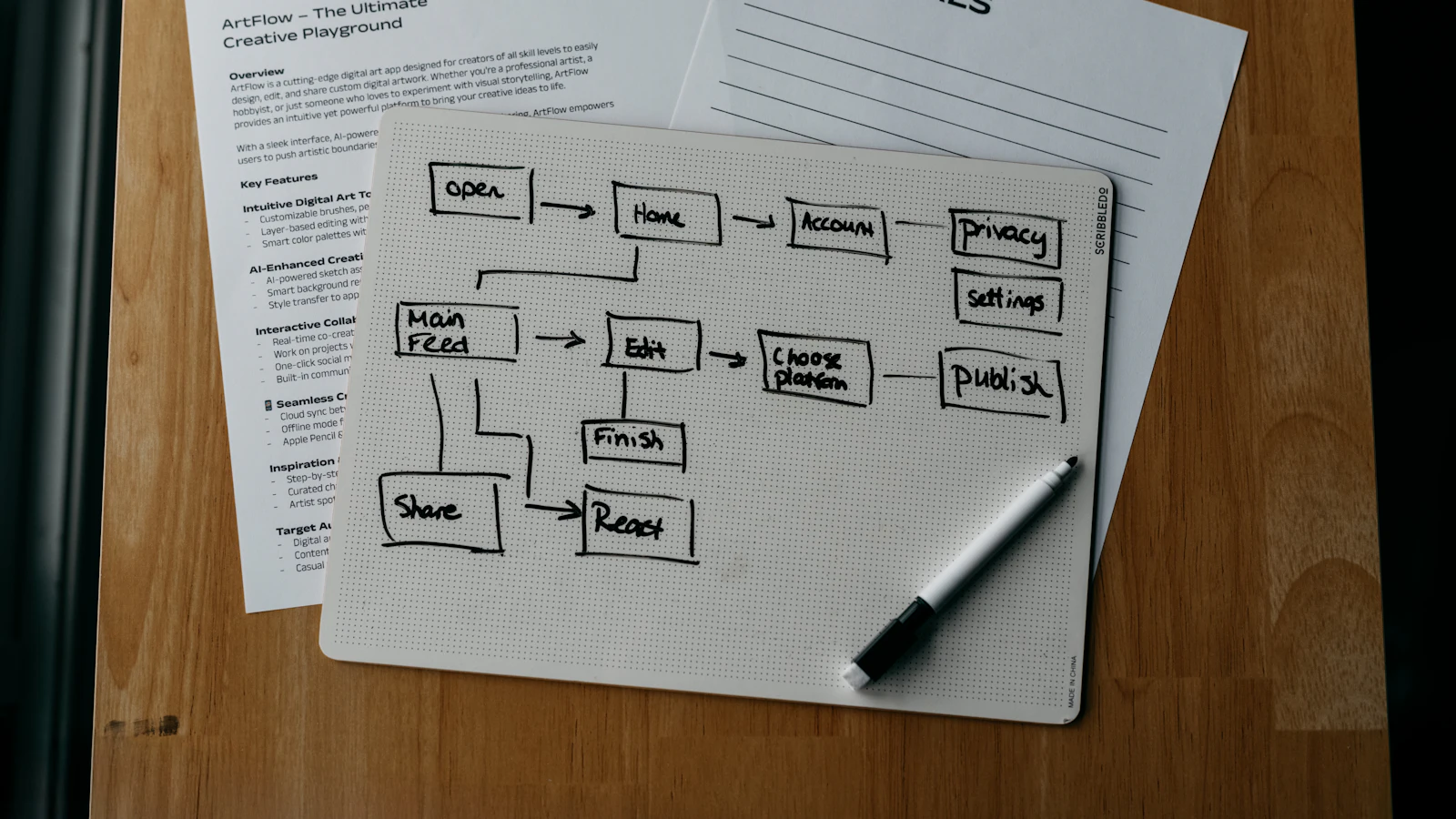
An employee onboarding process is the sequence of steps that takes a new hire from signed offer to confident, productive team member. It starts before day one with paperwork, equipment and access, covers a structured first week, and continues with regular check-ins for about three months. The goal is a person who knows what to do, who to ask and how their work is judged.
Poor onboarding is rarely dramatic. It looks like a laptop that arrives on day three, a manager who is away, a login that does not work and nobody explaining how decisions are made. This guide sets out a practical process you can adopt, with a checklist, owners and the mistakes to avoid.
Why onboarding deserves a process
A new hire forms a view of the company in the first days, and it is hard to change. A defined process also saves manager time: instead of answering the same questions individually, you give each starter the same materials and the same sequence.
There is a compliance side too. Right-to-work checks, signed contracts, policy acknowledgements and safety induction must be done and recorded. Handled ad hoc, one of them gets missed. Handled through a checklist, each step has an owner and a date, and you can show it was done. Entitlement and shift patterns are set at the same time, as covered in our guide to leave and shift management.
Stage 1: Before the first day
Pre-boarding begins when the offer is accepted. Many problems on day one trace back to the gap between acceptance and start date.
- Send the contract and collect the signed copy.
- Complete the legal checks that apply to your country and role, and collect payroll details through a secure channel.
- Order equipment and confirm it will be ready and tested before the start date.
- Request accounts and access: email, shared drives, business systems, building pass.
- Tell the team who is joining, their role and start date.
- Send the new starter a short welcome note: where to go, what time, who will meet them, what to bring, what the first day looks like.
Stage 2: Day one
The first day should be calm and well organised rather than packed. The new starter needs to feel expected. A named person greets them, they have a working desk or laptop, and they leave knowing what tomorrow looks like.
Cover the essentials: a tour or remote introductions, health and safety basics, how to log in and where to find help, and a lunch or call with the team. Hold the heavy policy reading for later in the week. Give them one small, real task they can finish, so the day ends with something done.
Stage 3: The first week
By the end of the week the new hire should understand the company, their team's work and their own role. A written plan shared with them beforehand helps; it can be one page.
- A meeting with the line manager to agree goals, working hours, communication habits and how performance is reviewed.
- Short introductions to the people they will work with most, with a sentence on what each does.
- An overview of the main systems and processes they will use, taught by doing rather than slides.
- A named buddy, a peer who answers everyday questions so the manager is not the only contact.
- Reading the key policies, with time set aside and a record that they were acknowledged.
Stage 4: The first 30, 60 and 90 days
Onboarding does not end on Friday. Real learning happens as the person does the work. Set expectations in writing and review them at fixed points.
| Point | Focus | Typical check |
|---|---|---|
| Week 1 | Orientation, access, first tasks | Can they work without being blocked by logins or tools? |
| Day 30 | Core tasks and team norms | Do they understand what good looks like in their role? |
| Day 60 | Independent work, first results | Are they handling normal tasks with limited help? |
| Day 90 | Full contribution and next goals | Probation or review decision, development plan |
In each check-in, ask the new hire what is unclear, what is slowing them down and what they would change about the process. Their answers improve onboarding for the next person.
Roles and responsibilities
Onboarding fails when everybody assumes somebody else is doing a step. Assign owners.
- HR or office manager: contract, legal checks, payroll set-up, policy pack, the checklist itself.
- Line manager: role clarity, goals, first tasks, check-ins.
- IT or whoever manages systems: equipment, accounts, access levels.
- Buddy: day-to-day questions, introductions, culture.
- The new hire: completing their forms and policy reading, and asking questions.
An example of what a gap costs
Consider this illustration with stated assumptions. A new hire earns £2,500 a month in total employment cost, roughly £15.63 an hour over 160 hours. If equipment and access arrive three working days late and the person can do about half their normal work in that time, that is around 12 hours of lost output, or about £188. Add the manager's time to improvise, say 3 hours at £30, which is £90. A single late laptop therefore costs roughly £278 before counting the effect on morale. The numbers are assumptions for the example, but the logic holds: preparation is cheaper than recovery.
Using software to run onboarding
A checklist in a shared document works for a few hires a year. When you hire regularly, a system that creates the task list automatically, assigns owners, sets due dates and records completion removes the chasing. It also keeps documents with the employee record instead of in an inbox. Our overview of HR software explains the modules to look at.
We built Dika Ops so that a new employee is a record connected to the rest of the business, with permissions that control what each role can see. Dika Ops is in closed beta and you can join the waitlist; the HR module page describes what is available.
Common onboarding mistakes
The most common are leaving the first day unplanned, overloading it with policies and presentations, and giving no clear goals for the first month. Others include no buddy, no check-ins after week one, and treating remote hires as an afterthought. Remote starters need extra care: equipment delivered in advance, scheduled video introductions and a clear channel for questions. Finally, many companies never ask new hires for feedback, so the same problems repeat.
Frequently asked questions
What is the employee onboarding process?
It is the structured series of steps that welcomes a new hire, completes administration, provides equipment and access, and builds their understanding of the role. It usually runs from offer acceptance until about three months into the job.
How long should onboarding last?
The intensive part is the first week, but good onboarding continues with check-ins at 30, 60 and 90 days. Complex roles may need longer ramp-up plans with agreed milestones.
What should be in an onboarding checklist?
Signed contract, legal checks, payroll details, equipment, accounts and access, welcome message, day-one plan, introductions, buddy, policy acknowledgements, goals and scheduled check-ins. Each item needs an owner and a due date.
What is pre-boarding?
Pre-boarding covers everything between offer acceptance and the first day: paperwork, equipment orders, access requests and welcome communication. It reduces day-one delays and keeps the new hire engaged before they start.
Who is responsible for onboarding?
Shared responsibility works best: HR or an office manager owns the process, the line manager owns role clarity and goals, IT owns access, and a buddy helps day to day. One person should own the checklist so nothing falls between roles.
How do you onboard remote employees?
Send equipment early, schedule video introductions, provide written guides, assign a buddy and hold more frequent check-ins in the first weeks. Make sure they know how to reach people and where information lives.
Can onboarding be automated?
Parts of it can: task lists, reminders, document collection and access requests. The human parts, such as the welcome, goal setting and feedback conversations, should stay personal.
Next step
Write your checklist from the four stages above, put a name and date against every line, and use it for your next hire. If you want the process built into your systems, see our automation and integration service or contact our team.