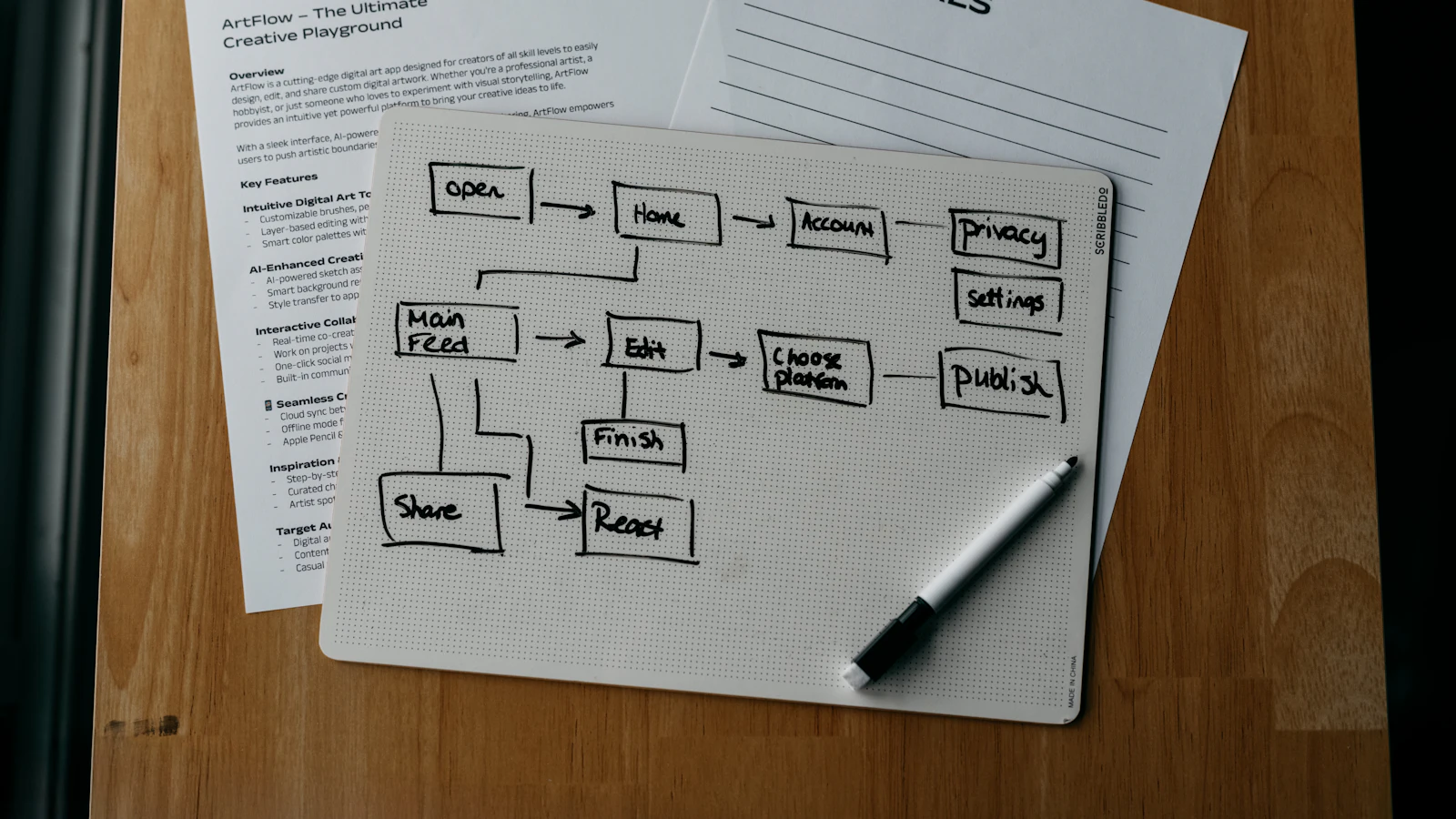
ERP implementation is the work of getting a new business system configured, loaded with clean data, tested and used by your team, and it usually follows eight steps: goals, process mapping, scope, data preparation, configuration, testing, training and cutover. The software itself is the smaller part. Most of the effort goes into deciding how your company should work and getting your records into shape.
Projects rarely fail because the software is bad. They fail because nobody owned decisions, the data was not ready, or the team was asked to learn a new system while also doing their normal jobs with no extra time. This guide walks through each step so you can plan around those problems instead of discovering them in week ten.
If you are still deciding whether you need a system at all, start with what ERP software is and come back here when you are ready to plan.
Step 1: Define goals you can measure
Write down three to five outcomes the project must deliver, in plain operational terms. "Know our true stock position every morning" is a goal. "Digital transformation" is not. Good goals can be checked after go-live: month-end close finishes in a set number of working days, orders ship from one confirmed stock figure, or nobody re-keys supplier bills.
Name an executive sponsor who can settle disagreements between departments, and a project lead who spends real hours on it every week. In a small company these are often the owner and an operations or finance manager. Without both, small decisions queue up and the project stalls.
Step 2: Map your current and target processes
Before configuring anything, document how the main flows run today: order to cash, purchase to pay, plan to produce, hire to pay. A simple diagram or numbered list per flow is enough. Mark where information is retyped, where approvals happen, and where things wait.
Then design the target version. This is the moment to remove steps that exist only because your old tools could not do something. Resist replicating every habit. Each exception you carry over becomes configuration, testing and training effort.
Step 3: Decide the scope and the phases
Most firms do better with phases than with one big launch. Choose the area where disconnected data hurts most and bring it live first, then add the next area when the first is stable.
| Phase approach | Typical first phase | When it fits |
|---|---|---|
| Finance first | Ledger, invoicing, payments, VAT | Reporting and close are the main pain |
| Operations first | Sales orders, purchasing, inventory | Stock accuracy and delivery dates are the pain |
| Production first | Bills of materials, work orders, stock | You make to order and costs are unclear |
| Everything at once | All modules together | Only for small, simple companies with strong internal capacity |
Whatever you choose, write down what is explicitly out of scope for phase one. Scope creep is cheaper to refuse on paper than to absorb later.
Step 4: Prepare and migrate your data
Data preparation is the step most plans underestimate. Collect the master data you will load: customers, suppliers, products, prices, chart of accounts, employees, warehouse locations. Remove duplicates, fix missing fields and agree naming rules before import, not after.
Then decide what history to bring across. Usually you need open balances (customers owing you, suppliers you owe), open orders, current stock by location and the last year or two of transactions for reporting. Years of closed history can stay in the old system as a read-only archive.
Plan at least two trial migrations. The first always finds problems: product codes that clash, customers with two VAT numbers, stock quantities that do not match the shelf. Fixing them in a rehearsal costs hours; fixing them after go-live costs trust.
Step 5: Configure and integrate
Configuration covers company structure, tax codes, numbering, price lists, approval rules and user roles. Keep to standard behaviour wherever you can. Customisation is justified when a process is a genuine source of advantage, not when someone prefers the old screen layout.
Integrations need their own plan. Typical ones are your online shop, bank feeds, payment providers, couriers and the tax authority's digital reporting. For each, define which system is the master for which data, how often it syncs, and what happens when a sync fails. For online stores, our guide to Shopify ERP integration shows what that looks like in practice.
Step 6: Test with real scenarios
Test the way your business actually works, not by clicking through menus. Take a dozen real examples from last month: a standard order, a partial delivery, a returned item, a supplier invoice that differs from the purchase order, a customer credit note. Run each end to end and check the stock, ledger and reports afterwards.
Use this checklist for user acceptance testing:
- Create an order, reserve stock, ship and invoice it, then confirm the ledger entries.
- Raise a purchase order, receive part of it, enter the supplier bill and match the three documents.
- Run a stock count and post an adjustment.
- Check that each role sees only what it should, and that approvals cannot be skipped.
- Run the month-end reports and compare them against your old system's figures for the same period.
Keep a log of issues with an owner and a priority. Go-live requires every critical issue closed, not just most of them.
Step 7: Train the people who will use it
Train by role and by task, close to go-live. A warehouse operative needs to learn receiving, picking and counting, not the whole system. Short sessions on their real tasks, in a test environment with realistic data, work better than a single long demo.
Nominate a few internal champions who learn slightly deeper and answer questions in the first weeks. Write one-page guides for the five or six tasks people do daily. Time spent here decides whether staff use the system or keep private spreadsheets alongside it.
Step 8: Plan the cutover and the first month
Choose a go-live date with low activity, often the start of a financial period, and avoid peak trading. Freeze changes in the old system, load final balances, verify them against the old records and only then open the new system to users.
- Keep the old system read-only and available for reference for a defined period.
- Run daily check-ins during the first two weeks to collect questions and small defects.
- Reconcile stock and ledger balances after the first week, then again at the first month-end.
- Review the original goals after a quarter and adjust the next phase accordingly.
How long does it take, and what drives the cost?
Timeline depends on scope, data quality, the number of integrations and how much time your own team can give. A focused first phase for a small company can run in weeks; broad, multi-site manufacturing takes much longer. The biggest swing factors are the quality of your data and how quickly you make decisions.
On cost, the licence is only one line. Budget for configuration, migration, integrations, training and your own staff time. If a vendor proposes heavy customisation, ask what it costs to maintain at every upgrade. Our article on ERP for small business covers how to keep the footprint proportionate.
How we approach it with Dika Ops
We built Dika Ops so that a smaller team can bring operations onto one record: sales, purchasing, inventory, manufacturing and finance share data from the start, and AI coworkers draft routine entries that a person approves. It is in closed beta, so companies join a waitlist. If you want to see how the stock side works before you plan your migration, the inventory module page is a good place to start. For businesses with unusual requirements, our custom software team can scope the gap between a standard system and your process.
Frequently asked questions
How long does an ERP implementation take?
For a small company with a focused first phase, expect weeks to a few months. Larger or multi-site projects take longer. Data preparation and decision speed usually matter more than the software.
What are the biggest risks in ERP implementation?
Poor data quality, unclear ownership, scope growing during the project, and too little training. All four are within your control, which is why they should be planned for in advance.
Should we implement all modules at once?
Usually not. Starting with the area that hurts most reduces risk and lets your team learn on a smaller surface. Add further modules once the first is stable and trusted.
Who should lead an ERP project?
A project lead from inside your business who understands daily operations, supported by an executive sponsor who can decide between departments. External partners help with configuration and migration, but cannot own your process decisions.
Do we need to clean our data before migration?
Yes. Duplicates, inconsistent product codes and wrong stock quantities carry straight into the new system. Cleaning data before import is quicker and cheaper than correcting it afterwards.
What happens if go-live goes badly?
Plan a rollback point before cutover. Keep the old system intact and read-only, verify opening balances, and agree in advance what failures would trigger a return to the previous process.
Next step
Start with your goals and process maps, because everything else depends on them. If you want an outside view on scope, sequencing or integrations, talk to Dika Design to size the project honestly before you commit.