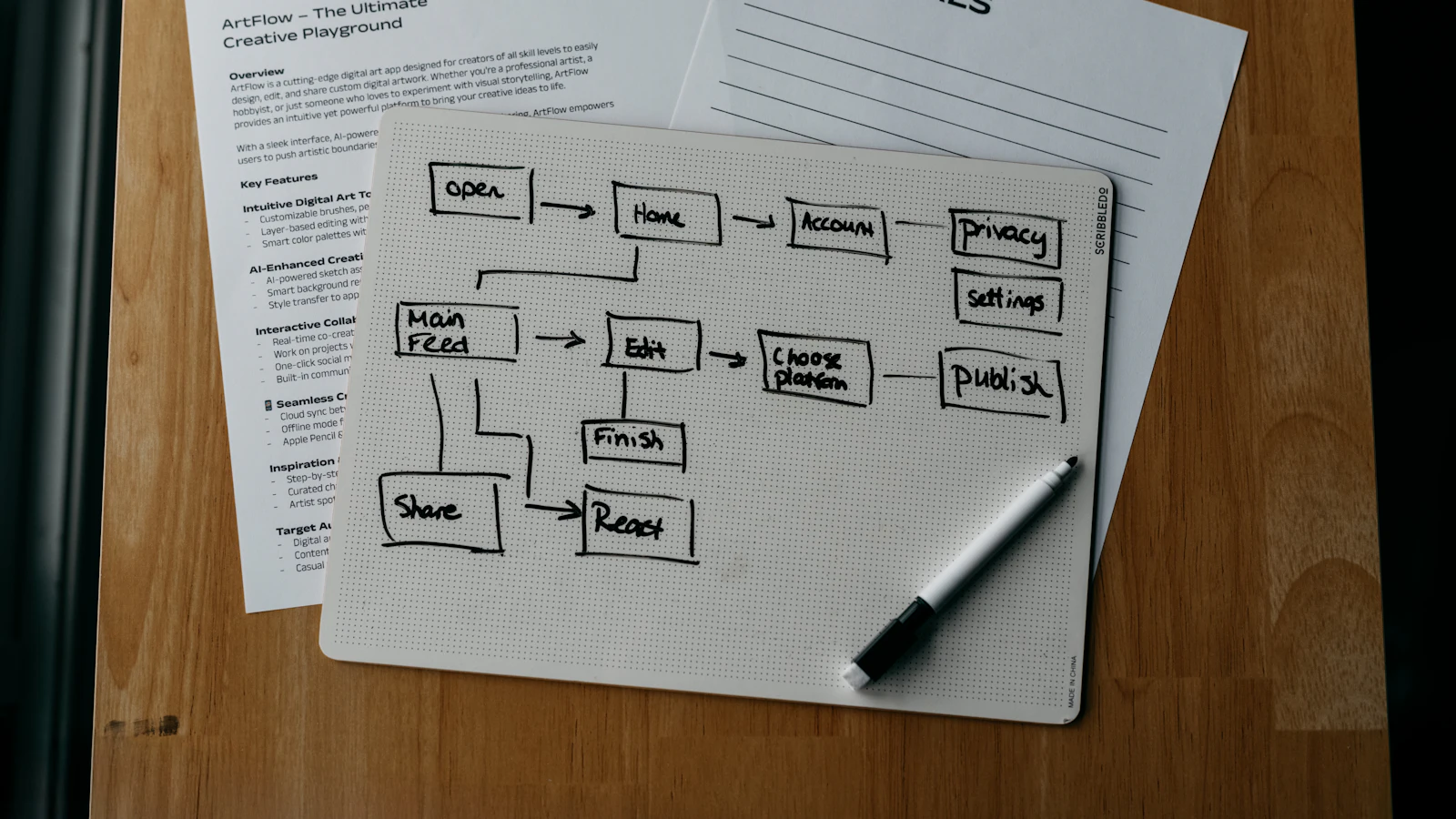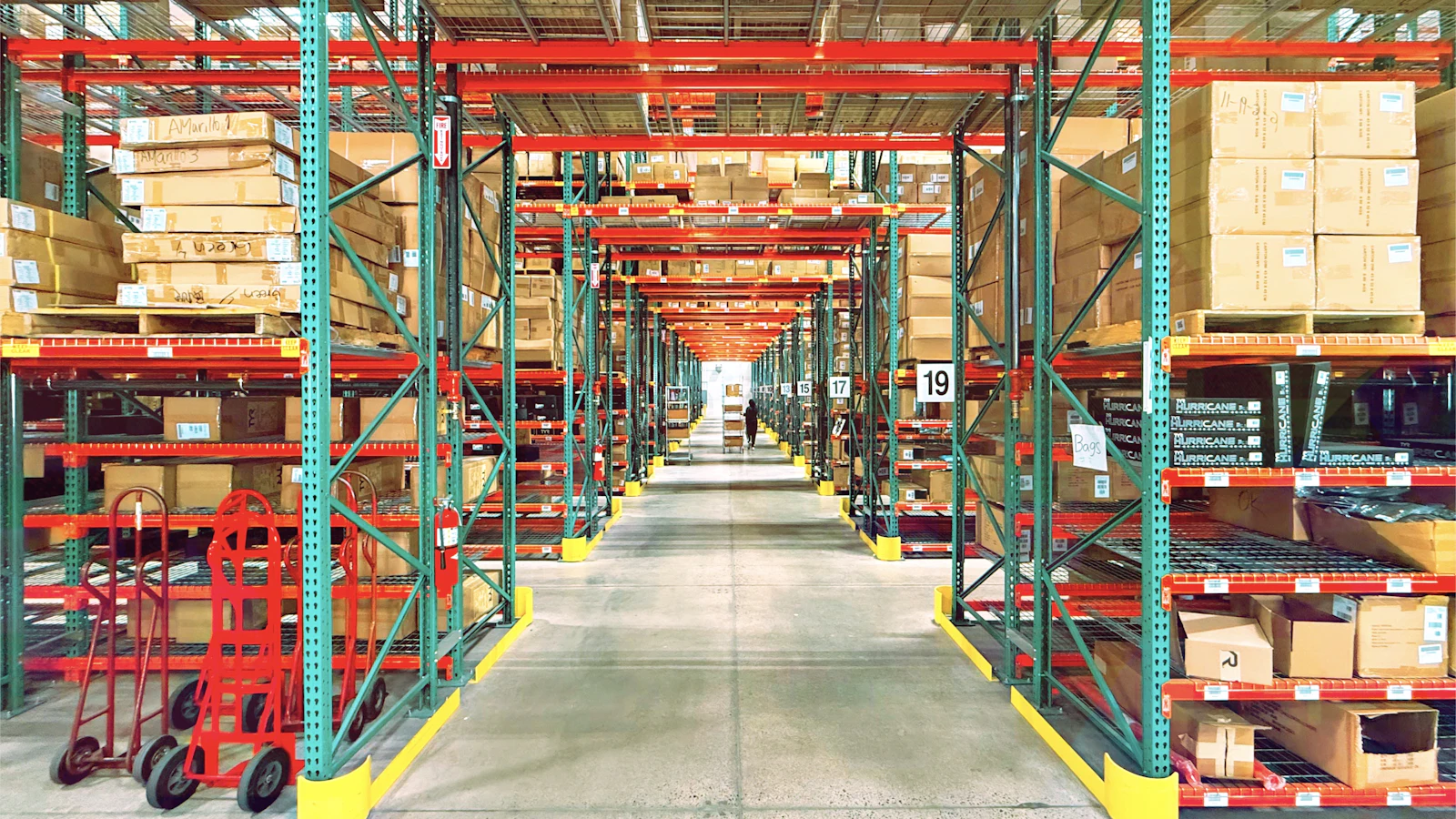
Inventory management software is a system that records every item you hold, where it sits, what is on order from suppliers and what has already been promised to customers. It replaces spreadsheets and memory with one live number per product and location, so you know what you can sell today and what to buy next.
Whether you need it depends on how much it costs you to be wrong. If a stock error means one awkward email, a spreadsheet can last for years. If it means missed orders, cash tied up in slow stock or a day lost to counting, software pays for itself. This guide explains what the software does, how to choose it and how to introduce it without disrupting your operation.
What inventory management software actually does
At its core, it keeps a ledger of stock movements. Every receipt, sale, transfer, adjustment and return changes the quantity, and the system can always show how it got there. That history is what makes a number trustworthy.
Around that ledger, good software adds the tools to act on it: reorder alerts, purchase orders, barcode scanning, batch and serial tracking, valuation and reports. The aim is simple: the right stock, in the right place, without more cash tied up than necessary.
Core features to look for
- Real-time stock by product, variant and location, with movement history.
- Stock states: on hand, reserved for orders, on order, available to promise.
- Reorder points and purchasing suggestions based on your lead times.
- Purchase orders and goods receipt matched to supplier invoices.
- Barcode scanning for receiving, picking and counting.
- Lot, batch, serial and expiry tracking where your goods need it.
- Multi-location and transfer handling.
- Stock valuation methods that match your accounting.
- Integration with your shop, marketplaces and accounts.
- Permissions and an audit trail, so changes can be traced to a person.
When a spreadsheet stops being enough
A spreadsheet is a legitimate tool until a few things happen. Look for these warning signs:
- More than one person edits stock, and versions disagree.
- You sell on several channels and cannot keep them aligned.
- You hold stock in more than one place.
- You regularly discover shortages when picking an order.
- Counting takes days, and results are never reconciled.
- You cannot say what your stock is worth without an afternoon of work.
Two or three of these together is the moment to move. If you are unsure, our guide to inventory management methods shows which controls to put in place regardless of tools.
Types of inventory software
| Type | Best for | Limits |
|---|---|---|
| Standalone inventory app | Small sellers with one or two channels | Often weak on purchasing, manufacturing and accounting |
| Inventory inside an e-commerce platform | Shops with one warehouse | Limited multi-location and purchasing features |
| Inventory module in accounting software | Service-led businesses with some stock | Basic stock control, little warehouse detail |
| Warehouse management system | Busy warehouses with picking and putaway | Heavier set-up, see our WMS guide |
| ERP with an inventory module | Companies that buy, make and sell | Larger project, more to configure |
How to choose: a practical checklist
- Write down your real processes: how goods arrive, are stored, picked, shipped and returned.
- List your channels, locations and units of measure, including pack sizes and conversions.
- Decide what you must track: lots, serials, expiry dates, bundles or kits.
- Mark integrations you cannot do without: shop, marketplaces, courier, accounts.
- Shortlist two or three options and test each with your own products and one tricky scenario, such as a bundle or a partial delivery.
- Ask how data gets in and out. You should be able to export your stock history.
- Check who supports you, and how.
Test the scenarios that go wrong in practice, not the demo path.
What drives the cost
Prices vary widely and change, so check current terms directly. The drivers that matter are the number of users, locations and products, the modules you need, integrations, data migration and training, and whether you pay per month or per implementation. Include the time your own team spends, which is often the largest cost.
Worked example with stated assumptions: a business holds 1,500 SKUs and loses two staff-days a month to stock corrections and recounts. At £120 a day, that is £240 a month, or £2,880 a year, before counting lost sales and excess stock. The software has to beat that figure to justify itself.
Implementation steps that avoid chaos
Treat the project as an operations change rather than an IT install. The people who receive, pick and ship goods know where the current process breaks, so involve them in choosing the screens and scanning steps. A system that adds clicks to a busy bay gets bypassed, and bypassed systems produce the same wrong numbers you started with.
Clean data first. Give every product a unique SKU, consistent units and a clear location code. Run a full stock count so that your opening balance is true, as described in our stock count guide.
Then configure locations, reorder rules and users, import products and balances, and run old and new systems side by side for a short time. Train the people who handle goods, not just the manager. Finally, set one owner for stock accuracy, and review variances weekly.
Common mistakes
- Choosing software before defining processes.
- Importing messy product data and hoping the system fixes it.
- Skipping the opening count, so every number is wrong from day one.
- Letting staff move stock without recording it.
- Buying features for a business you might become, instead of the one you are.
Where Dika Ops fits
We built Dika Ops inventory as part of one record that also holds sales, purchasing, manufacturing and finance, so a stock movement posts to the books without re-entry. It is in closed beta with a waitlist, and it suits companies that make, move and sell goods rather than a seller with a single shelf. For a custom build or an integration with the systems you already use, see our custom software service and our homepage.
Frequently asked questions
What is inventory management software?
It is software that records and controls the stock a business holds, including quantities, locations, orders and movements. It shows what is available to sell and what to reorder.
Do small businesses need inventory management software?
Not always. A small business with few products and one channel can manage with a spreadsheet and a regular count. Once stock errors cost real money, or you sell in several places, software is worth considering.
What is the difference between inventory software and a warehouse management system?
Inventory software tracks quantities and movements. A warehouse management system adds the physical work: putaway, pick paths, wave picking and bin-level control. Many small operations need only the first.
Can inventory software integrate with Shopify?
Many can, through apps or connectors. Check which data flows are covered, how often stock syncs and what happens when a sync fails. Our guide to Shopify ERP integration covers the details.
How accurate does inventory need to be?
Accurate enough that staff trust the screen. Many businesses aim for a very high match on fast-moving and valuable lines and accept looser control on cheap items. Regular cycle counts keep the numbers honest.
How long does it take to implement?
A simple set-up can run in a few weeks. Larger projects with several locations, integrations and data cleaning take longer. The count and data preparation are usually the longest part.
Next step
List your processes, channels and the three stock problems that cost you the most. Choose software against those, test it on your own data, and start with a clean count.