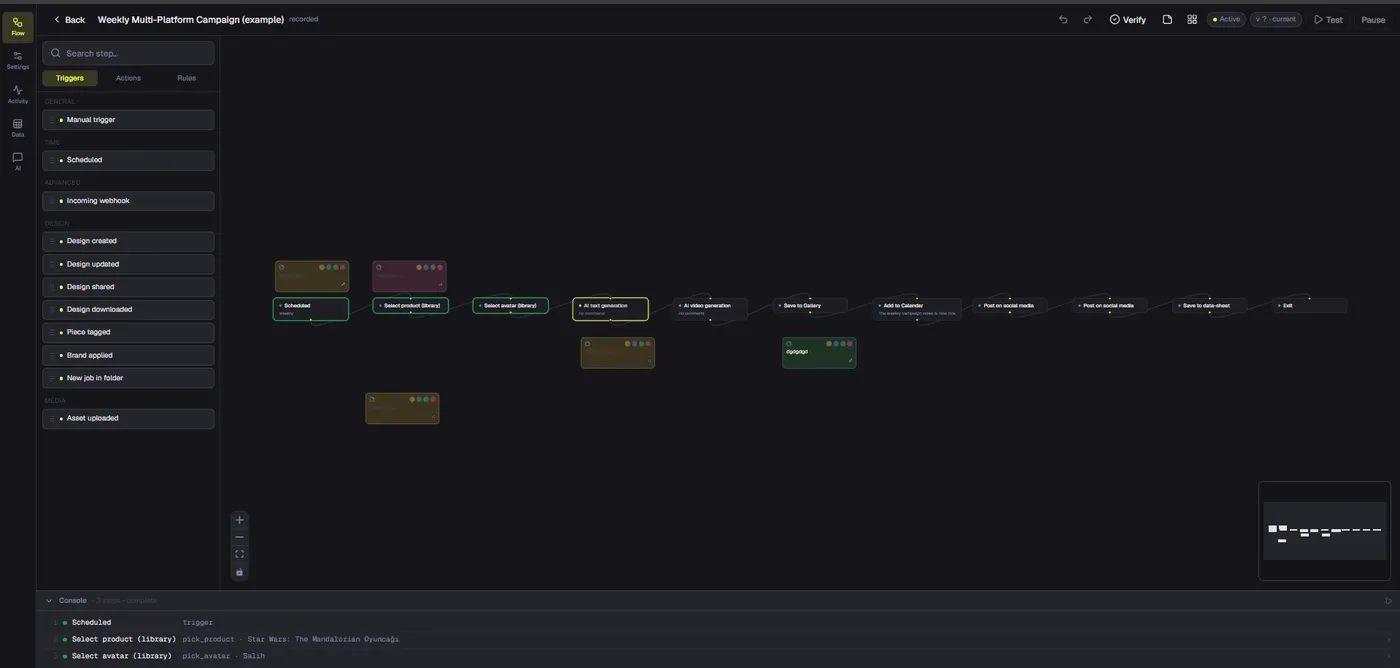
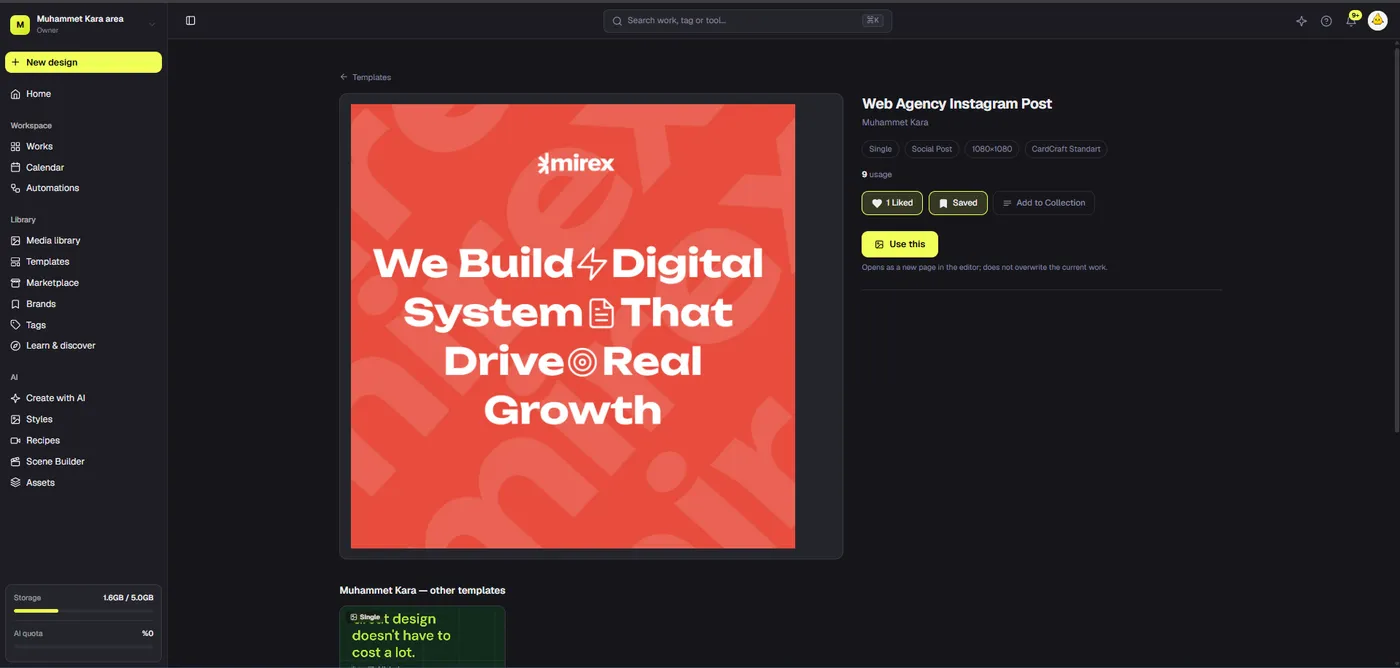
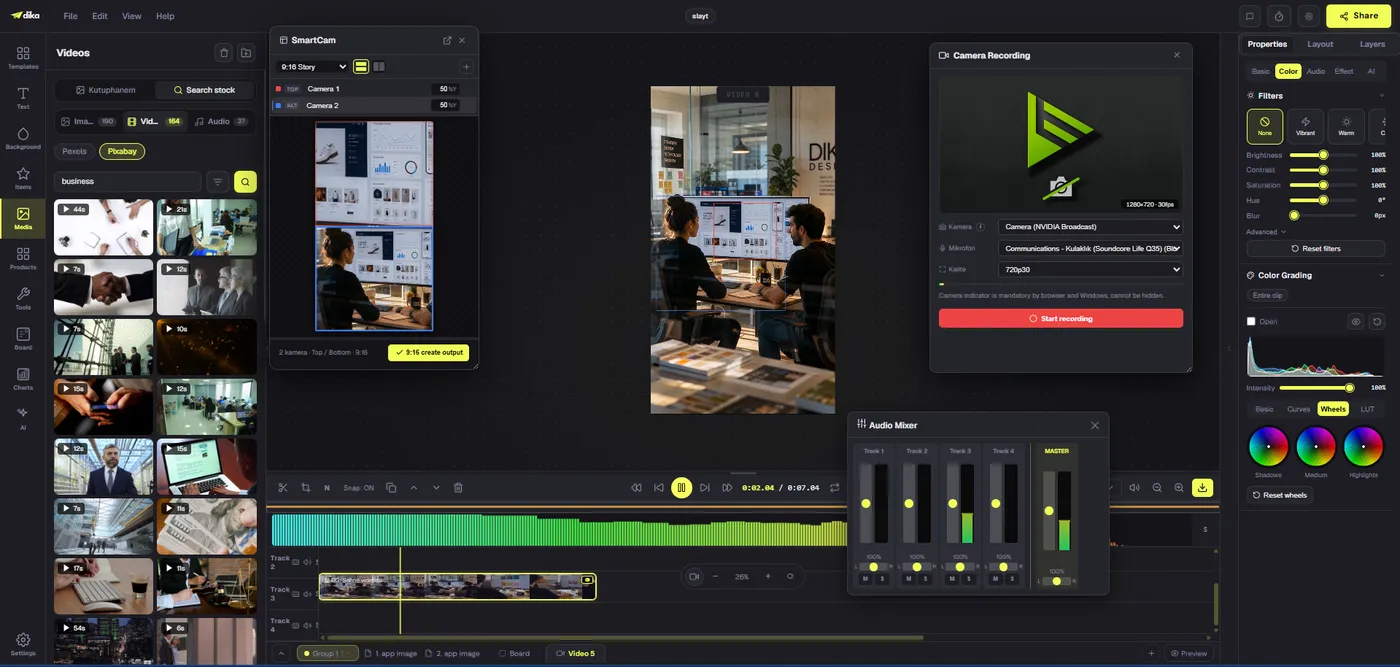
A social media content approval workflow should make three things unmistakable: what is being reviewed, who decides, and which exact file is allowed to publish. Many teams have a design tool, a calendar, and a chat thread, yet still post the wrong crop or an unapproved claim because those systems do not share one clear state. Dika Studio can hold editable creative parts and reusable media inside a project. Its current comments are canvas annotations, not a live multi-person approval feed, and its activity calendar does not schedule social posts. This guide therefore combines the product’s present creative surfaces with a practical approval record that teams can operate today, without suggesting a fully automated publishing gate is already available.
Define the approval outcome first
Start with the decision the reviewer must make. “Please review” is too vague. A useful request says which channel and format the item targets, what has changed since the last version, and which checks are in scope. A brand lead may review tone and visual consistency. A product owner may verify features and pricing. Legal or compliance may inspect rights and claims. A channel owner may check crop, caption, links, and scheduling requirements. One person can cover several roles in a small team, but the roles should still be named so no check is assumed to have happened elsewhere.
Write the acceptance criteria beside the work. For example: correct product variant, approved offer wording, legible mobile crop, valid usage rights, caption including required disclosure, tracked destination URL, and final publishing date. Mark any item that is outside the current review. If the design is being approved without its caption, say so. Otherwise a later “approved” label can be misread as permission to publish the whole post. The Dika Design production approach treats this distinction as a quality control step, not extra paperwork.
Build a small, explicit status model
Most approval workflows need fewer states than teams expect. Draft means someone is still creating. Ready for review means the owner believes required inputs are complete. Changes requested means a reviewer found a specific issue. Approved means named reviewers accepted a defined version for defined channels. Delivered means the approved export was handed to the publishing owner. Published means a real platform post exists and has been checked. These states should not be inferred from file location or a green border around a frame. Write them in an approval log, with time, owner, and link to the exact design part.
A transition should have a rule. An item cannot move to review until the caption, media, destination, and rights note exist. It cannot move to approved until every required reviewer has answered. It cannot move to delivered until the export is opened and checked against the approved design. It cannot move to published until the channel owner confirms the live post. If a material change arrives after approval, return the item to review. That includes a new headline, product image, price, claim, disclaimer, or crop that changes meaning. Minor spelling corrections may be fast-tracked, but record who authorized them.
Organize the creative source by campaign
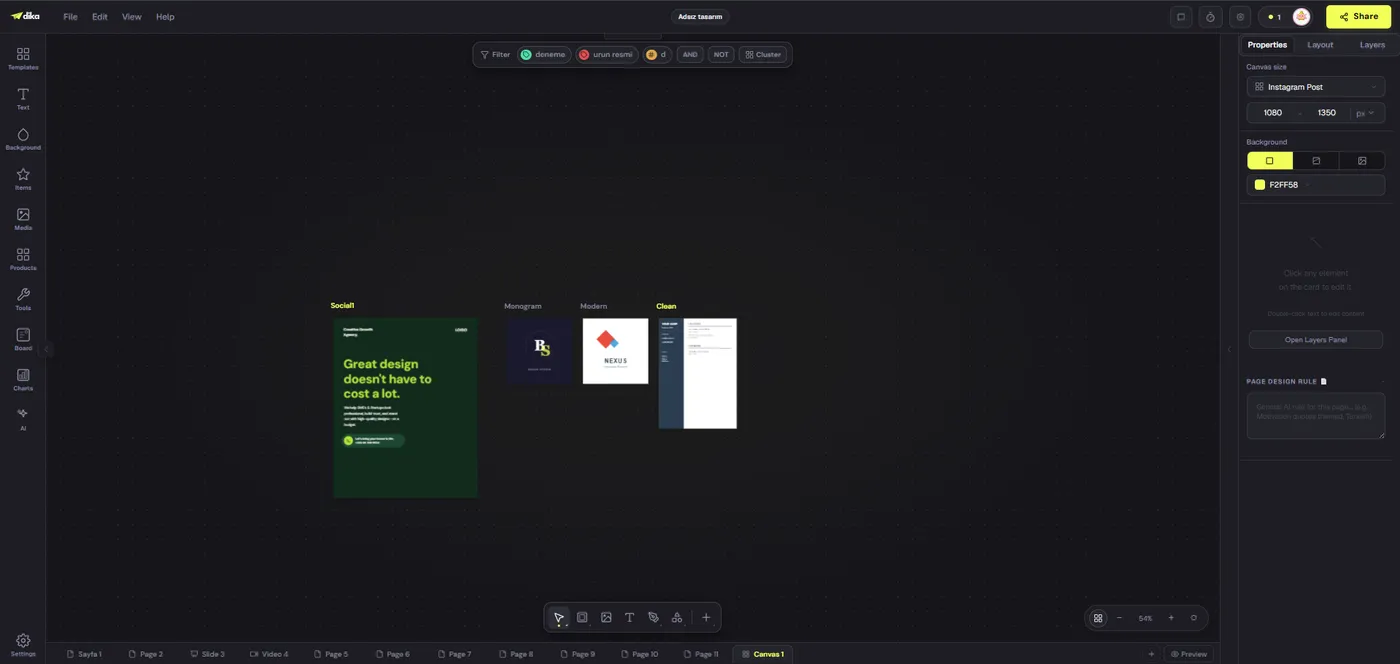
Keep related posts together in an editable project. Dika Studio projects can hold pages, an infinite scene with multiple frames, slide decks, videos, and a board. A campaign scene can show several platform variants side by side, which makes consistency review easier. Name each frame by channel and purpose rather than “copy 4.” Use tags to identify status or campaign grouping, but do not treat a tag as the sole approval record. A design tag can help filter; it cannot tell you which caption, URL, and final export a reviewer actually saw.
Place a brief near the designs: audience, offer, key proof, prohibited claims, brand requirements, and launch date. Keep source product photos in the media library and use the right reference for every design. If a variant uses a generated image, check that product features and labels remain accurate. The creative asset management guide</a covers the source-versus-export distinction. The Dika Studio overview</a shows the broader project model for keeping related formats connected.
Review content, not only visual polish
A reviewer should see the creative, caption, CTA, target URL, platform, and proposed publish date in one review packet or clearly linked record. A beautiful image with a mismatched caption is not approved content. Check that the first line of copy matches the visual promise. Verify product names, prices, availability, and time-limited offers against the current source. Inspect hashtags for meaning and accuracy, not just reach. Confirm that any required advertising label or disclosure appears where the destination platform expects it. For video, inspect the first seconds, audio, captions, end card, and safe zones.
Write actionable feedback. “Make it pop” gives the editor little to do. “Increase the contrast of the offer line for a mobile feed; do not alter the price” is clear. Put comments beside the relevant frame or in the external approval record, and include a decision deadline. Dika Studio’s current editor comments are useful as pinned notes on a design, but they are not a real-time shared review feed. They persist with page data, yet multiple editors do not see each other’s comment activity update live. Use a defined handoff and refresh process where collaboration is involved. The comments reference</a explains those current limits.
Separate creative feedback from legal clearance
Creative approval asks whether the piece communicates the intended idea. Legal or rights clearance asks whether the team is permitted to publish it. They should not be collapsed into one reaction emoji. A reviewer may like an image and still lack confirmation that the model release or music license covers paid distribution. A campaign may use customer testimonials that require consent and accurate context. Keep a rights checklist with each deliverable: photo source, person or location release, music and font license, platform usage, duration, territory, and whether AI-generated material requires disclosure under the team’s policy.
Where the team lacks certainty, pause publication rather than removing the evidence trail. An unresolved issue can be marked “needs rights check” with an owner and deadline. If a replacement asset is chosen, it creates a new creative version that may need another visual review. This is why an approval workflow must track the exact version, not merely the concept. A new product photo can change the crop and text contrast even if the caption stays the same. The Dika Design site</a connects this operational care to the wider design and marketing work we do.
Check format variants independently
Approval for one ratio does not automatically cover another. A square image may place the product, headline, and logo safely; a portrait crop may hide a mandatory note. Review each target format at realistic mobile size. For video, review vertical and landscape exports separately when both are required. If the team produces variants from a common frame, inspect each generated copy after resizing. Automated placement can accelerate production but cannot determine whether a platform crop changes the meaning of a claim.
Use a variant matrix: platform, placement, aspect ratio, source design part, caption version, URL, reviewer, and status. Attach or link the export intended for that exact slot. The matrix prevents the channel owner from grabbing a similarly named file from the wrong folder. It also makes late changes visible. If only the story version needs revision, do not block unrelated approved variants without reason; mark the affected slot separately. Our resizing guide</a explains how to adapt layouts rather than stretch or merely crop them.
Set response times and escalation
An approval request needs a due time and a route for unresolved questions. If the product owner has not answered by the agreed deadline, the content should remain in review, not drift into the publishing queue. Name a backup reviewer only when that person has authority over the same subject matter. Escalation is not permission to skip checks. For seasonal campaigns, establish a cutoff after which material changes move the post to a later slot. This prevents a late edit from being approved in haste simply because the calendar says it is time to publish. Teams can plan those handoffs alongside broader Dika Design campaign work, keeping the approval decision attached to the exact version that will be delivered.
Choose the right handoff surface
A read-only guest link can let someone view a design, but a view is not an approval. Record the decision separately with the reviewer’s name, version, channel scope, and timestamp. A project file can transfer editable work to another contributor, yet that is a different purpose from a guest view. If a stakeholder leaves feedback by email or chat, link it to the specific creative version in the approval log. Do not assume the latest visible canvas is identical to the state the stakeholder reviewed yesterday.
For a small team, a simple shared sheet or ticket can be the approval record while Studio remains the creative source. For a larger team, an existing project-management system may be more appropriate. Avoid inventing a complex workflow tool solely to compensate for unclear ownership. The essential data is modest: item, version, reviewers, decision, outstanding changes, export, and destination. Once those fields are reliable, more automation may be useful. Dika Studio’s current roadmap still lists real-time project commenting, team management, and calendar-based scheduled posts as future work, so a manual or external approval record remains the honest current path.
Do not mistake the activity calendar for a publishing queue
Dika Studio’s calendar shows a personal activity history: work done on a day, in the user’s local time zone. It is not a social content schedule and does not currently show planned posts. The distinction matters because a marketer may assume a calendar tile means a post is queued. Use the actual destination platform or an authorized scheduling tool to set a publish date. Maintain that date in the approval record so the content owner knows what is expected. After publication, capture the live URL and verify that the right media, caption, and link appeared.
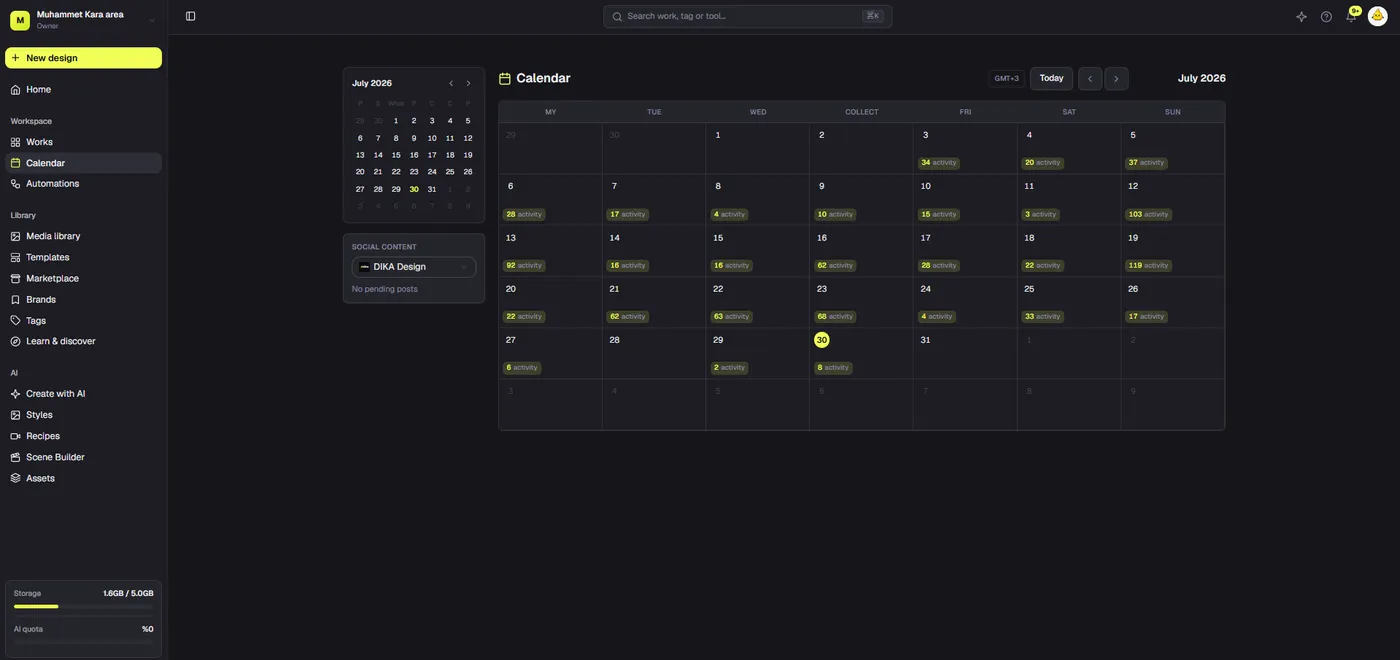
That boundary also protects the team from accidental claims about automation. A marketing process can be well organized even if the final publish action happens elsewhere. The most important outcome is not that every step lives in one screen; it is that the approved asset is the one delivered. Our Dika Design homepage</a provides context for how creative production and channel work connect beyond the product editor.
Compare approval models
Teams often ask whether to approve inside a design tool, in chat, or in a formal ticket. Each choice has tradeoffs. Chat is fast but hard to audit. Canvas notes are precise for design feedback but may not capture final channel scope. A shared sheet is simple but must be maintained. A project-management ticket can hold a durable decision yet may separate the reviewer from the visual. Choose a combination that keeps the review request close to the creative and the final decision durable. The table summarizes a workable division of labor.
| Surface | Best purpose | Risk if used alone | What to record |
|---|---|---|---|
| Studio canvas | Editable creative and precise notes | Current state may differ from reviewed state | Part and version |
| Read-only link | Visual preview | Viewing is not approval | Reviewer response |
| Chat or email | Fast clarification | Decision gets buried | Copy decision into log |
| Approval ticket or sheet | Durable status and ownership | Can drift from creative source | Exact creative and export links |
| Channel scheduler | Publish timing | Wrong file or caption can be queued | Scheduled slot and live URL |
No single surface removes the need for a final human check. Keep a small, repeatable checklist and adapt it to the stakes of the campaign. A low-risk organic update may need one reviewer; a regulated product launch may need several. The workflow should be proportionate but explicit. The Dika Design team</a uses that principle when coordinating creative with delivery.
Close the loop after publication
Approval is not complete until the published result is checked. Open the live post on the destination platform and compare it with the approved packet. Look for wrong crop, missing captions, broken links, incorrect account, timezone mistakes, and platform compression that makes text unreadable. Save the live URL in the delivery log. If a correction is required, record what changed and whether it needs renewed approval. Deleting or silently editing the post without an incident note makes later learning harder.
Retrospectives should ask where review created value and where it caused delay. Count avoidable revision rounds, wrong-version incidents, and time spent waiting for unclear ownership. Then simplify one step. A reliable social media content approval workflow is not the one with the most statuses; it is the one that consistently sends the right, verified, correctly formatted creative to the right channel. Use Dika Studio</a for editable production and media context, keep a separate explicit approval record where needed, and only call a post published when the live result has been verified.
Frequently asked questions
What is a social media content approval workflow?
It is a defined sequence for preparing, reviewing, approving, exporting, scheduling, and verifying each post with clear owners and version references.
Does Dika Studio currently provide a social post scheduling calendar?
No. The current calendar records personal workspace activity and does not show planned or scheduled social posts.
Are Dika Studio canvas comments a live team approval feed?
No. Current canvas comments are saved annotations, not a real-time multi-person comment feed or formal approval system.
Can a guest-view link count as approval?
A guest link provides a view of creative work. Record the reviewer’s explicit decision, version, and channel scope separately.
What should be included in a review packet?
Include creative, caption, CTA, destination URL, platform, format, proposed date, source references, rights status, and the exact decision requested.
Does approval for a square design cover a story variant?
Not automatically. Check each crop and format for legibility, product accuracy, safe areas, and required disclosures.
What happens after a material change to approved content?
Return the affected item to review, identify what changed, and get approval from the relevant owner before delivery.
How do I keep approvals from getting lost in chat?
Capture the final decision in a durable ticket or sheet linked to the exact creative part and exported file.
Who should check legal or rights issues?
A person with authority for the relevant claim, release, license, territory, and channel should clear those issues before publication.
When is a social post truly complete?
After the approved export has been published on the intended account and the live media, caption, link, and date have been verified.