A barcode inventory system is a combination of printed labels, scanners and software in which every stock movement is recorded by scanning a code instead of typing a number. A scan on receipt adds stock, a scan on picking reserves or removes it, and a scan during a count confirms what is on the shelf, so the record follows the goods almost in real time.
The main reward is accuracy. Manual entry produces transposed digits, wrong items and forgotten movements, and each of those becomes a stock discrepancy later. This guide explains how the system works, what to buy, how to set it up in a sensible order and how to keep it accurate.
How a barcode inventory system works
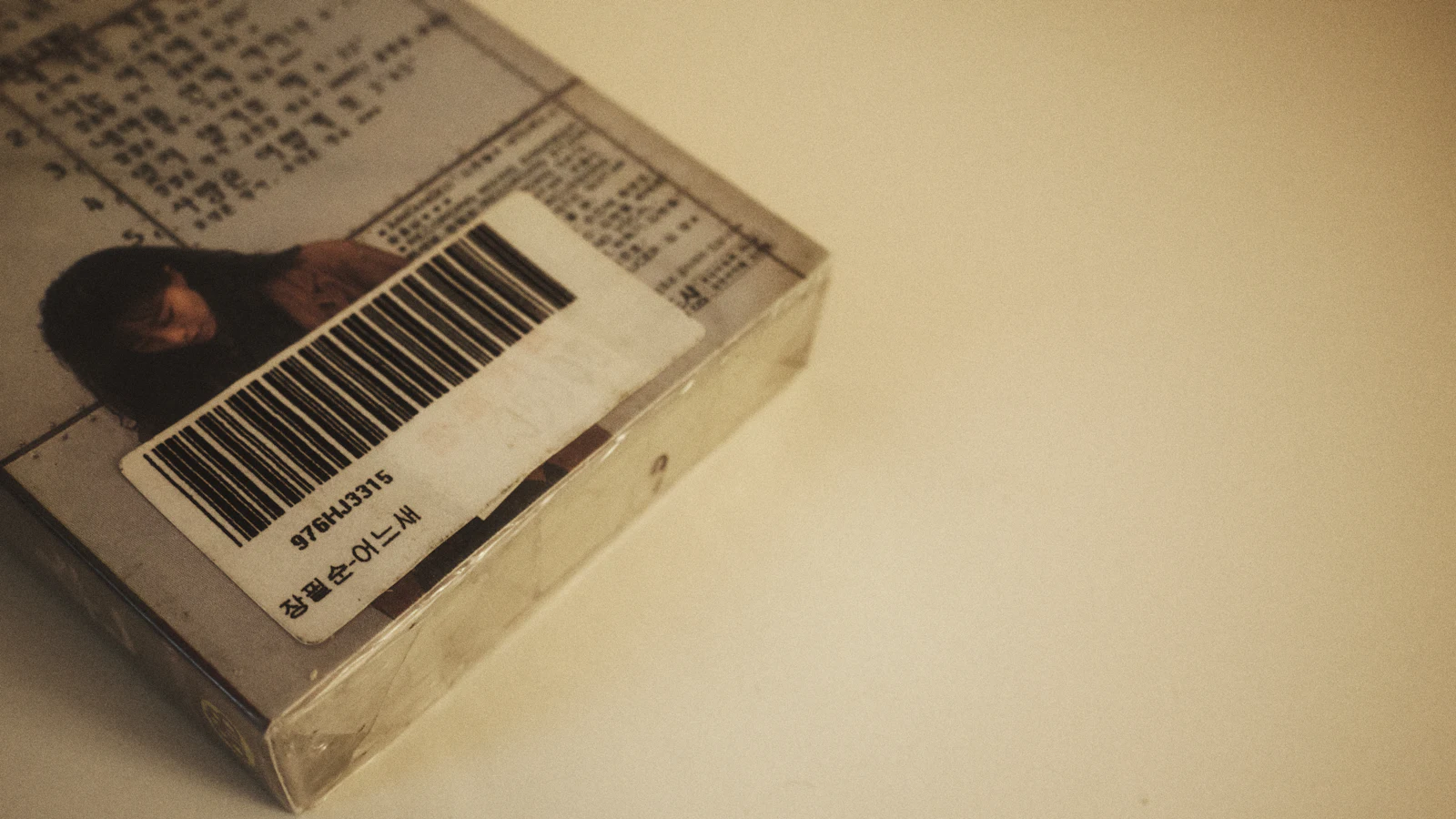
A barcode is a machine-readable pattern that stands for an identifier, such as a product code, location, batch or pallet number. The scanner reads the pattern and sends the identifier to software, which looks up the matching record and applies the action: receive, move, pick, count or ship.
The barcode itself holds very little; the intelligence is in the software that knows what the identifier means. That is why clean master data matters more than any label printer.
What you can scan
- Products: one code per SKU, so receiving and picking identify the right item.
- Locations: shelf, bin and rack labels, so putaway and picking confirm where stock is.
- Batches, lots and serial numbers, where traceability or warranty matter.
- Pallets and cartons, using a unique licence plate that represents the contents.
- Orders and packing lists, so the packer verifies what goes in the box.
The strongest set-ups scan both the location and the product on each move, which catches the common error of picking the right item from the wrong place or the wrong item from the right place.
1D barcodes, 2D codes and RFID
| Technology | What it is | Good for | Limits |
|---|---|---|---|
| 1D barcode | Lines that encode a short number or text | Products, locations, simple labels | Needs line-of-sight; holds little data |
| 2D code (QR, Data Matrix) | Square pattern holding more data | Batch, expiry and serial data; small items | Needs an imager rather than a basic laser scanner |
| RFID | Radio tags read without line-of-sight | Fast counts, high-value assets | Higher cost; planning and testing needed |
For most small and mid-size businesses, 1D barcodes and, where needed, 2D codes cover the requirement at a modest cost. RFID is worth considering only when speed of counting or tracking value is high enough to justify it.
GS1 barcodes or your own labels
If you sell through retailers or marketplaces, products usually need standard GS1 barcodes, such as GTIN numbers, obtained through GS1 UK. These identify your product consistently in the supply chain, and you cannot reuse another company's codes.
For internal use, such as locations, pallets and components, you can create your own labels with a numbering scheme. Keep the scheme simple, unique and documented, and do not mix internal codes with retail codes on the same field without a clear rule.
Hardware you need
- Scanners: handheld mobile computers for warehouses, Bluetooth scanners paired to a tablet or phone for light use, or a phone camera for occasional scanning.
- Label printers: thermal printers for durable labels, sized for your shelf and carton labels.
- Labels and ribbons: choose material for the conditions, such as cold, damp or dusty areas.
- Connectivity: reliable wireless coverage across storage areas, or offline-capable scanning with later synchronisation.
- Software that accepts scans for receiving, transfers, picking and counts.
Test scanners on your real labels and environment, including worn or curved surfaces, before buying a batch.
Step-by-step setup
- Clean the product master: unique SKUs, consistent units and accurate descriptions.
- Decide the coding: which products keep supplier barcodes, which receive your own, and how locations are named.
- Label the locations first, since every later scan depends on them.
- Print and apply product, carton and pallet labels in a controlled process, not ad hoc.
- Configure the software workflows: receiving against purchase orders, putaway, picking, transfers and counts.
- Run a baseline count to get an accurate opening stock; our stock count guide explains it.
- Pilot in one area, fix problems, then extend.
- Train staff to scan every movement and to report anything that will not scan.
What it costs
Prices change, so request current quotes. The cost drivers are the number of scanning devices, label printers and consumables, the software or module that supports scanning, wireless upgrades, setup and data cleaning, and training. Consumables continue every month, so factor them in.
Worked example with assumptions: a team keys 400 stock lines a week by hand and makes an error on 2 per cent of them. That is eight wrong lines a week, each taking ten minutes to find and correct, which is about 80 minutes a week. Add the cost of the wrong shipments those errors cause, and compare the total with the cost of scanners and labels.
Benefits and limits
Scanning reduces keying errors, speeds up receiving and counting, and makes picking verifiable. It also builds a complete movement history, which helps with audits and traceability.
It does not fix a poor layout, unclear processes or bad master data. Labels fade, items get moved without scanning and staff take shortcuts, so supervision and regular cycle counts remain necessary. Our inventory management methods guide covers the counting routines that keep a scanned system honest.
Choosing software that works with scanners
Look for support for your scanner type, clear workflows for receiving and picking, offline handling, batch and serial tracking if you need them, and a way to export your data. If you are comparing tools, start with our guide to inventory management software.
In Dika Ops we built stock movements to sit on the same record as purchasing, sales and finance, so a scanned receipt connects to the supplier order and the ledger; it is in closed beta with a waitlist. If you need scanning tied into a system you already run, our custom software team builds those integrations, and you can reach us from our homepage.
Common mistakes
- Labelling products before cleaning the product master.
- Skipping location labels, so scans identify the item but not where it is.
- Using cheap labels that fade or peel in the real environment.
- Allowing moves without scanning because it is quicker in the moment.
- Reusing the same code for different items.
- Starting without a true opening count.
Frequently asked questions
What is a barcode inventory system?
It is a system in which stock movements are recorded by scanning barcodes with a scanner or phone, and the software updates quantities and locations automatically. Each scan replaces a keyed entry, so the record changes at the moment the goods move.
Do I need special software for barcode scanning?
You need software that accepts scans in its workflows, such as receiving, picking and counting. Some inventory and ERP tools include this, while others require an add-on or a scanning app.
Can I use my phone as a barcode scanner?
Yes, for light or occasional use. Phone cameras read most codes, but dedicated scanners are faster, more durable and better for continuous warehouse work.
What is the difference between a barcode and a QR code?
A traditional barcode is a one-dimensional pattern of lines holding a short identifier. A QR code is two-dimensional and holds more data, such as a web address or a batch and expiry date.
Do I need GS1 barcodes?
If you sell through retailers or marketplaces that require standard product identifiers, yes. For internal locations, pallets and components, your own numbering scheme is usually enough.
How accurate is a barcode inventory system?
It can be very accurate when master data is clean and staff scan every movement. Accuracy falls when scans are skipped or labels are wrong, so combine scanning with regular cycle counts.
Next step
Start with location labels and one process, such as receiving, in one area. Once that runs cleanly, extend scanning to picking and counts and measure the drop in discrepancies.